FAQ
Common questions about how 123tools works
Do I need to install any software to convert files?
No. Everything runs in your browser. Drag a file in, pick your settings and go.
What formats are supported?
MP4, MP3, MOV, AVI, WebM, FLAC, M4A, MKV, WMA, GIF and more. If it's a common video or audio format, we probably support it.
Can I extract audio only from a video file?
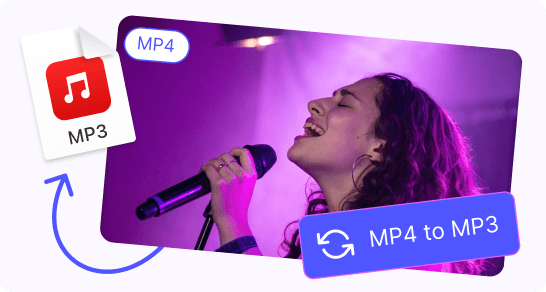
Yes. Upload a video and pick an audio format like MP3 or WAV. We extract just the sound.
How long does the conversion take?
Small files finish in seconds. Larger ones take a couple of minutes. Processing happens on our servers, so your device speed doesn't matter much.
Is it safe to use this service?
We don't keep your files. They're processed, you download the result, and they're deleted from our servers. All transfers use HTTPS.
Try the tools for free
Edit, convert or download video right in your browser.
EDITOR

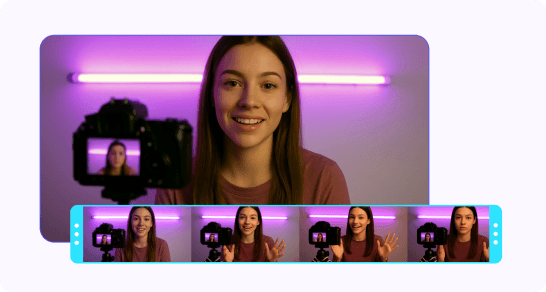



See all tools Video Resizer
Resize videos for TikTok, Instagram or YouTube. Crop, fit or fill to any ratio.
EDITORAdd Emoji
Place emoji stickers on your video. Set size, position and timing per scene.
EDITORTrim Video
Cut the start, middle or end of any clip. Frame-accurate trimming online.
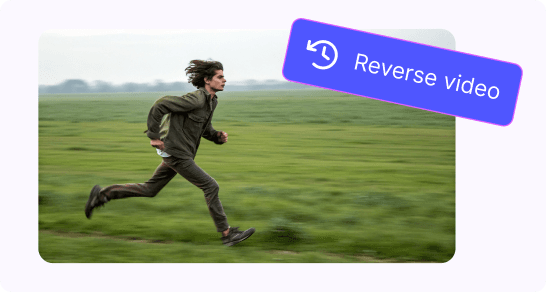
EDITORReverse Video
Play footage backwards for reels or social posts. One click, then download.
CONVERTERMP4 to MP3
Extract MP3 audio from MP4 video files. Pick your bitrate, download in seconds.
EDITORAdd Stickers
Drop stickers onto your video. Drag, resize and schedule when they appear.
DOWNLOADERYouTube Downloader
Download YouTube videos in your chosen format and resolution. Up to 4K.
EDITORAdd GIF
Overlay animated GIFs on your video. Control size, placement and timing.