Online Video Editor
& Converter
Trim, crop, resize, add text or convert formats right in your browser.
No installs. No account needed.
20+ Tools100% FreeNo RegistrationBrowser-Based
Start for free Why people stick around
Simple tools that save real time
30+
tools
editors, converters and downloaders
100 MB
per file
enough for most clips and reels
0
installs
runs entirely in your browser
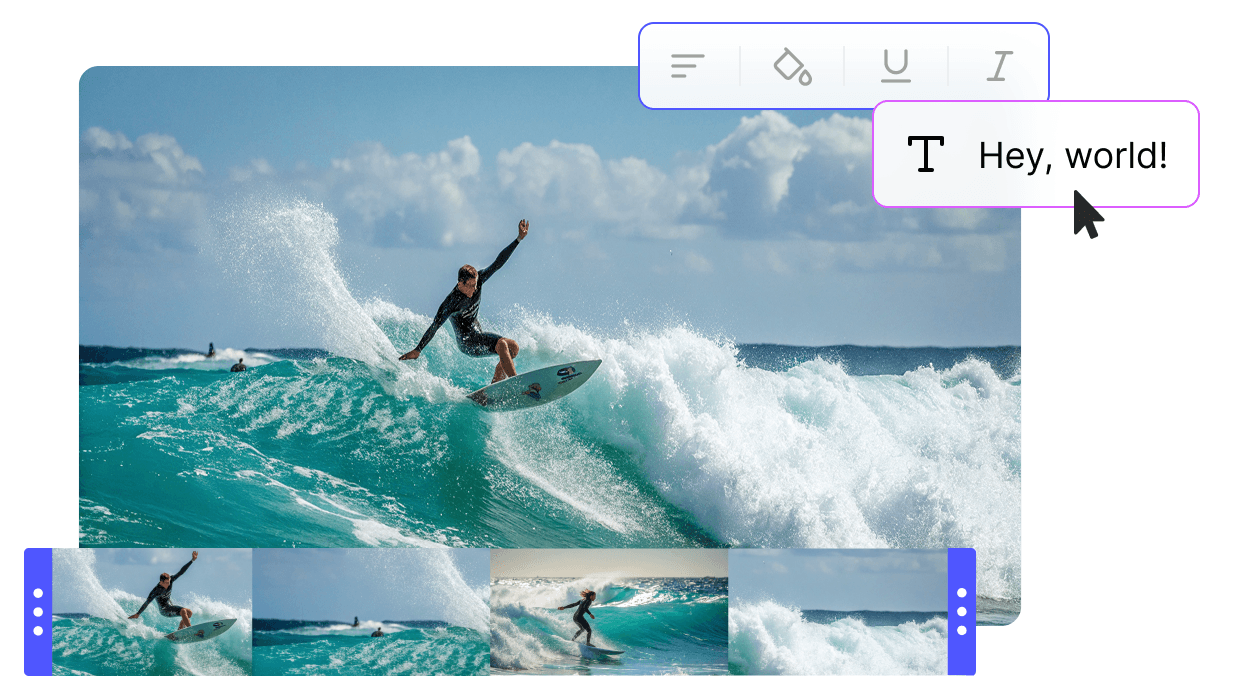
Essential video tools in one place
Edit, convert and download videos online for free

Video Resizer
Change aspect ratios for TikTok, Instagram or YouTube. Crop, fit or fill in one click. No quality loss.

Add Emoji to Video
Drag emojis onto your clips. Set size, position and timing on the timeline.

Trim Video
Cut intros, outros or dead spots with frame-level precision. Export the good parts.

Reverse Video
Play any clip backwards for reels or TikTok trends. Upload, reverse, download.

MP4 to MP3 Converter
Pull MP3 audio from any video file. Good for podcasts, music or voice-overs.

YouTube Video Downloader
Save YouTube videos in up to 4K. Pick MP4, WebM or MP3. No limits.

Start from scratch in minutes
Upload clips, add captions, effects and music. The timeline is straightforward, no tutorial needed.

Add text, graphics and effects
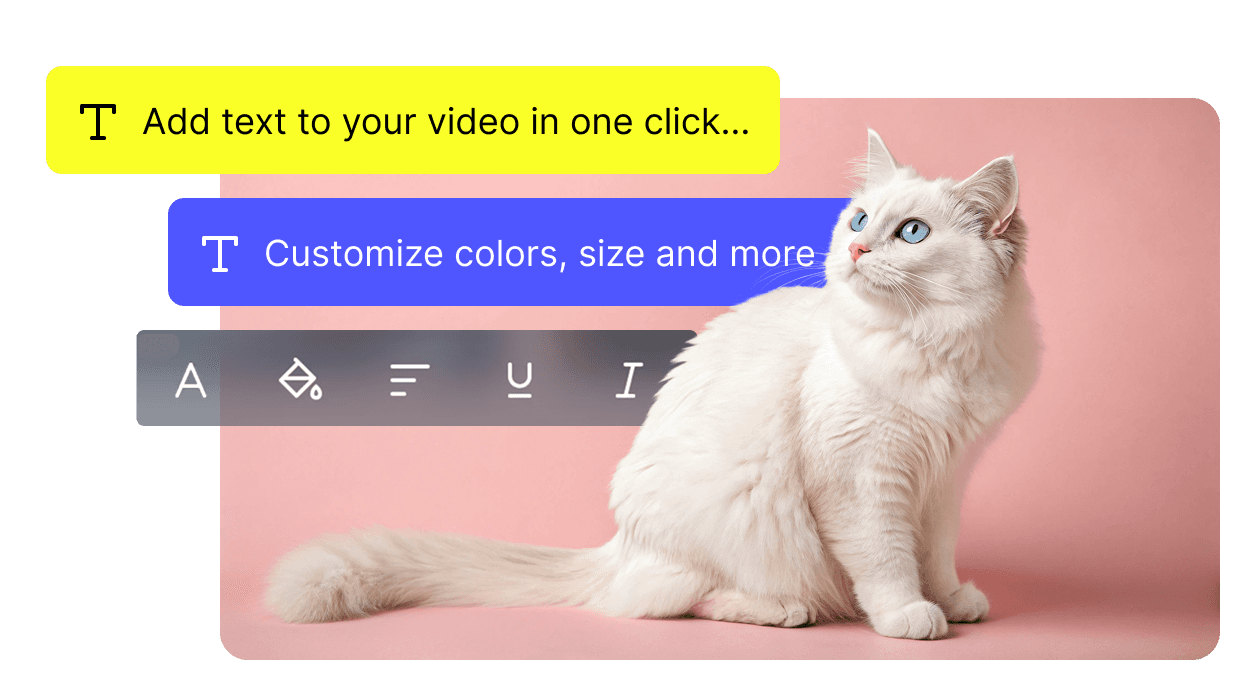
Pick fonts, colors and motion backgrounds. Match your brand or just make it look the way you want.

Works on any device, in-browser
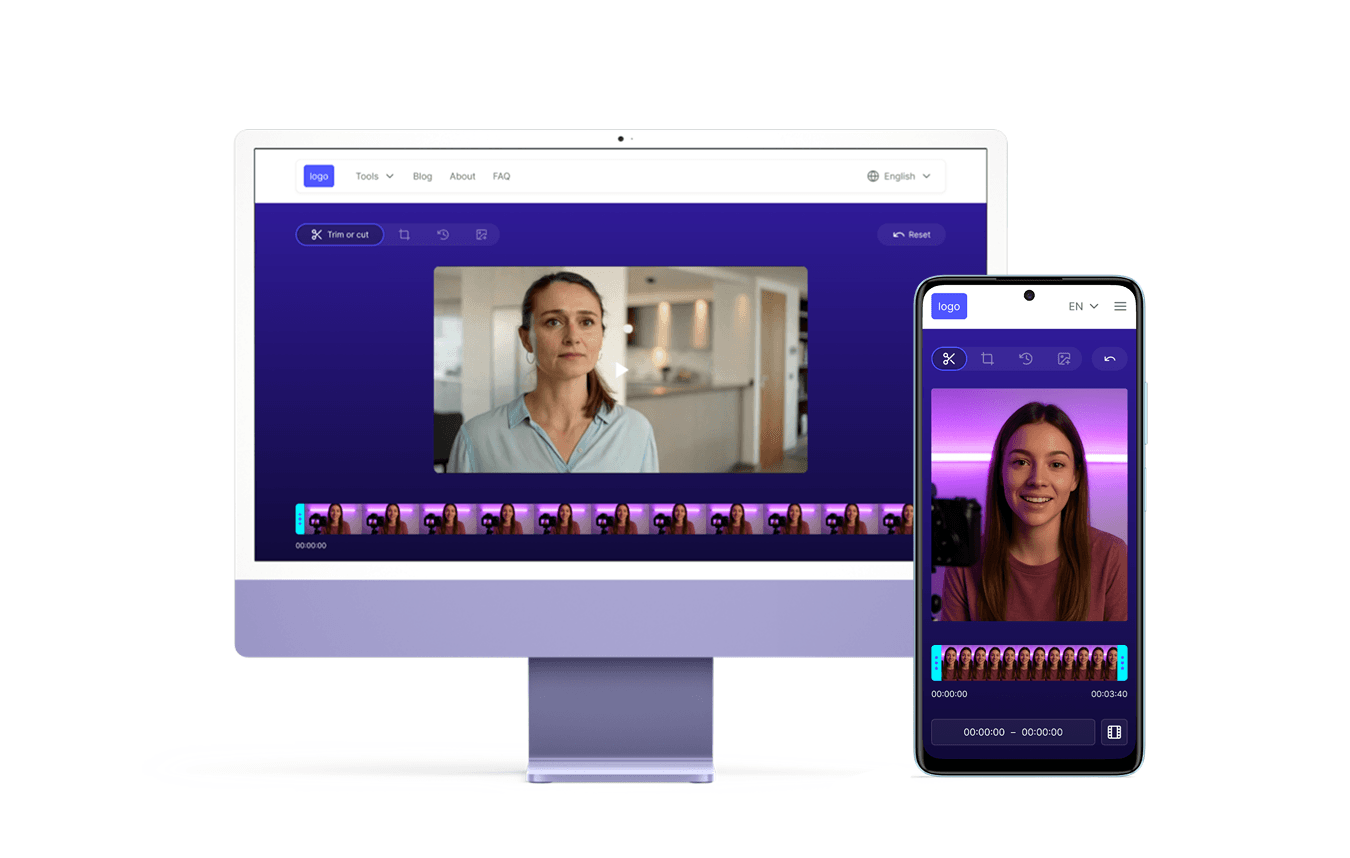
Mac, Windows, Chromebook, Android, iOS. Nothing to install. Open the page and go.
How to edit a video online
Three steps, start to finish
Step 1: Upload your video
Click “Upload” or drag a file in. Supports MP4, MOV, AVI, WebM and more.
Step 2: Edit your video
Trim, crop, add text, emojis or filters. Changes preview in real time.
Step 3: Export the result
Pick resolution and format, hit “Export” and download the file.
Loved by creators
Our users recommend
Emily Williams
Marketing Specialist
I make promo clips in half the time now. Everything is right here in the browser.
Carlos Mendez
Social Media Manager
Flexible formats and quick downloads make campaign workflows much smoother.
Aiko Tanaka
Blogger
Browser editing is super fast. My videos look professional without desktop software.
Jean Dupont
Video Content Creator
Trimming, stickers, converters and downloaders all in one place. Saves me a lot of tab-juggling.
Omar Khalidi
Freelance Designer
Adding emojis and text is quicker here than in heavyweight apps. Works great on mobile too.
Hiroshi Johnson
UX/UI Designer
Really handy for demo videos. I edit and share prototypes with clients in minutes.
Alexey Gromov
Content Creator
I use it mostly for Instagram Reels and TikTok. Quick publishing, no fuss.
Luca Bianchi
Educator
Great for lesson videos with captions and effects. Runs fine on all my devices.
Fatima Al-Farsi
Student
I cut and annotate study videos daily. The interface is simple and reliable.
Nathan Smith
YouTuber
Handles my 4K files without dropping quality. Format support is solid.
Sara Mehta
Influencer
Effects and text overlays make my social videos stand out. Engagement went up right away.
Tomas Novak
Software Developer
A quick way to put together client demos. No design skills needed.
Zara Khan
Startup Founder
Fast and simple. All the tools I need in one tab.
Isabella Garcia
Photographer
I build slideshow videos with music in minutes. My followers love the results.
Jinwoo Parkl
E-learning Specialist
Editing lesson recordings is quick. The platform holds up well, no crashes.
Mohamed El-Naggar
Music Producer
I splice interview footage and drop clips into my production timeline. Gets the job done.
Frequently Asked Questions
No. Everything runs in your browser. Upload, edit and export. No software or account required.
Yes. We use high-bitrate encoding and you can export up to 4K resolution.
Files transfer over HTTPS and are deleted automatically after export. Nothing is stored.
Yes. Use the timeline to cut sections, split clips or rearrange segments.
Yes. The editor is touch-friendly and works on iOS and Android browsers.
Try the editor for free
Edit, convert and share videos
right in your browser.
Start for free right in your browser.