MPEG to MP4 Converter
Turn .mpeg and .mpg video, MPEG-1 or MPEG-2, into an H.264 MP4. Phones, Macs and video editors open it, and it takes far less space.
By using our service you accept our Terms of Service and Privacy Policy.
How to convert MPEG to MP4
Three steps for .mpeg and .mpg files alike
 1
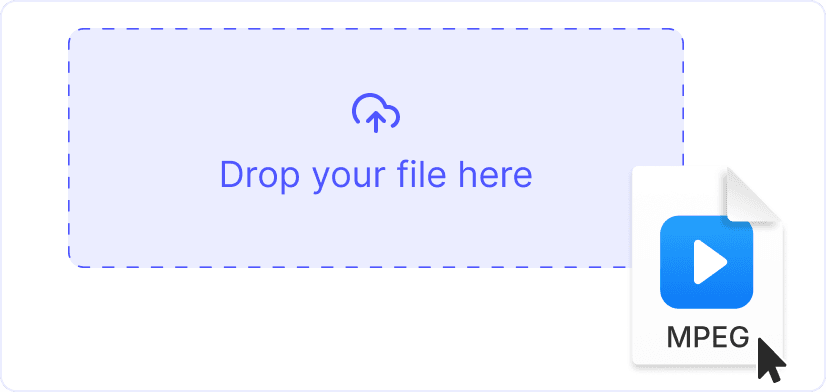
11. Upload the MPEG or MPG file
Drag the file onto the page or click “Upload a file”. Both extensions are accepted, and each file can be up to 1 GB.
 2
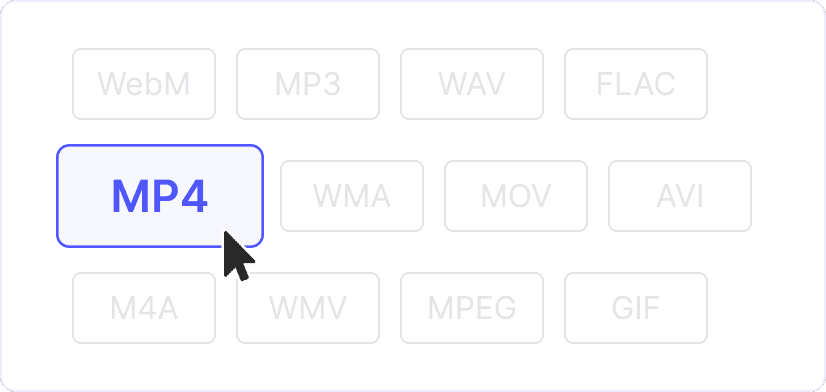
22. H.264 MP4 is preset
The MPEG-1 or MPEG-2 video is re-encoded to H.264 and the sound to AAC. The resolution, frame rate and aspect ratio of the original do not change.
 3
33. Save the MP4
Click “Convert” and download the result. It plays on an iPhone and in Chrome, neither of which opens MPEG-1 or MPEG-2 video.
About a quarter of the size
H.264 needs far fewer bits than MPEG-2 for the same picture. In our test a 720 by 576 MPEG-2 clip shrank to roughly a quarter of its size at the same resolution, which frees a lot of room in an old archive.
MPEG-1 and MPEG-2 alike
Video CDs used MPEG-1 at 352 by 288 or 352 by 240, while DVD recorders, camcorders and TV tuner cards recorded MPEG-2. Both kinds convert the same way, whether the file ends in .mpeg or .mpg.
Explore more free tools
MP4 to MPEG

AVI to MP4
WebM to MP4
MP3 to MP4
WAV to MP4

TikTok Downloader

Twitter Downloader