Instagram Profile Viewer
See what a shop, a brand or a person posts before you follow them. Posts, reels and the bio are in one place, and the feed never stops after a few posts to ask you to sign in.
By using our service you accept our Terms of Service and Privacy Policy.
How to view an Instagram profile without login
From a username to the full feed
 1
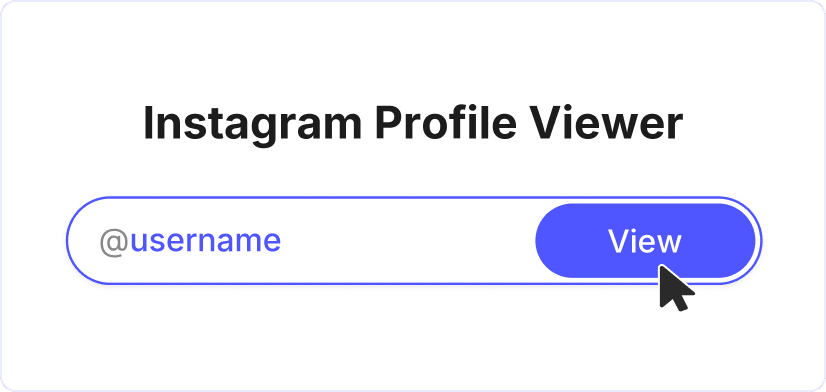
11. Type the account's username
If someone sent you the account's link, paste it as it is. If not, type the username exactly as it appears on the profile. The @ in front is optional, but every letter counts: one typo brings up a different account or none at all.
 2
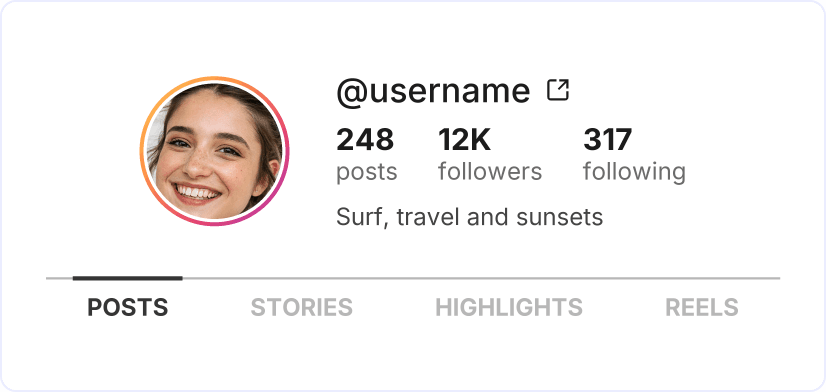
22. Open the profile with "View"
The Instagram profile view starts with the header: name, bio and the number of posts, followers and following. Below the header, the "Posts" tab opens with the newest posts in a grid. The "Stories", "Highlights" and "Reels" tabs are right next to it. Loading the whole profile usually takes less than half a minute.
 3
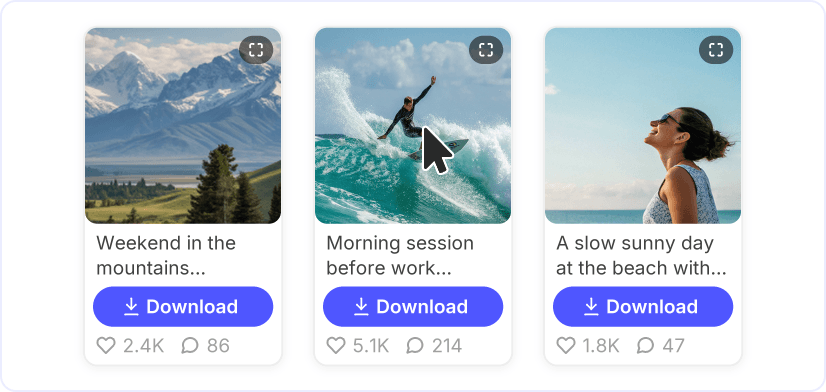
33. Scroll and open any post
Keep scrolling and older posts load by themselves. Each card shows the first lines of the caption and the number of likes and comments. Tap the preview to see the photo or video in a larger view. To save it, use the "Download" button on the card.

Four tabs, one public profile
Posts, reels, stories and highlights each get a tab, so the Instagram profile viewer covers everything a public account shares. It also works as an Instagram reels viewer: the "Reels" tab collects every video the account has posted.
Browse just like in the app
Open any post up close, jump from a caption to any @mentioned account and keep scrolling while the grid loads more. Anything you find in the Instagram post viewer can be kept, too: a "Download" button sits on every photo and video card.
Keep what caught your eye

Instagram Photo Downloader

Instagram Reels Downloader

Instagram Story Viewer

Instagram Highlights Viewer

Instagram Story Downloader
MP4 to WMA

MP4 to WMV