MKV to MP4 Converter
Repack an H.264 MKV, such as an OBS recording, as an MP4 that opens on an iPhone and in iMovie or Final Cut Pro. The video is copied without re-encoding.
By using our service you accept our Terms of Service and Privacy Policy.
How to convert MKV to MP4
Three steps, with the H.264 stream kept exactly as it was recorded
 1
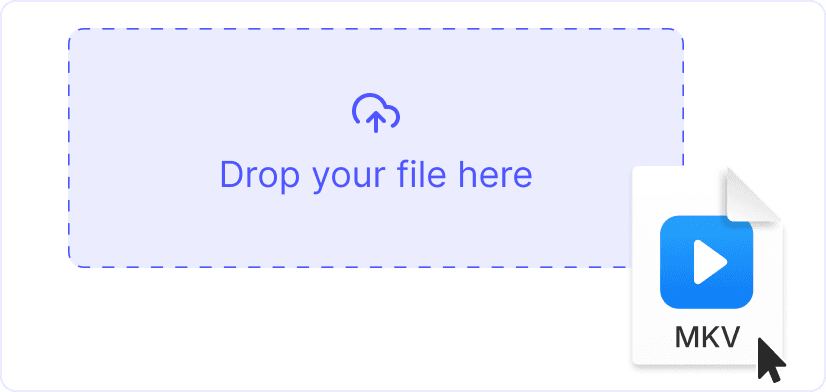
11. Upload the MKV
Drag the recording onto the page or click “Upload a file”. The .mkv can be up to 1 GB, from OBS, a screen recorder or your video library.
 2
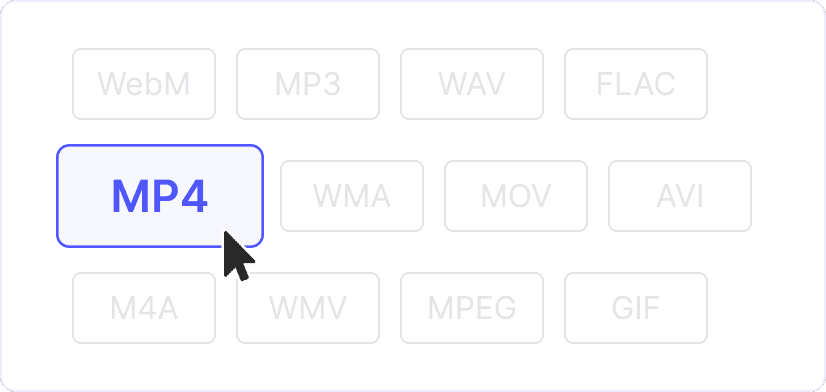
22. Keep MP4 as the output
MP4 is preset, and there is nothing else to configure. H.264 and HEVC video goes into the new container unchanged, while VP9 is converted to H.264. The first audio track is copied as it is if it is AAC, while AC-3, DTS, FLAC and Opus sound becomes AAC with the same channels. Other audio tracks and subtitles are not copied.
 3
33. Convert and download
Click “Convert”. The H.264 video is not re-encoded, so the MP4 has the same resolution, frame rate and video bitrate as the MKV.
Remuxing keeps every frame
Remuxing means the H.264 frames move from the MKV to the MP4 without being decoded. The picture stays bit for bit identical, and the MP4 is ready in seconds because nothing has to be encoded.
A standard OBS recording loses nothing
The MP4 takes the first audio track from the MKV. OBS puts every audio source on track 1 by default, so a normal recording keeps all its sound. Only separate mic or game audio on tracks 2 to 6 is dropped.
Explore more free tools
MP4 to MKV

AVI to MP4
WebM to MP4
MP3 to MP4
WAV to MP4
MOV to MP4
MP4 to M4A