MP3 to WAV Converter
Decode an MP3 into an uncompressed WAV for audio editing or CD burning, right in the browser with no program to download.
By using our service you accept our Terms of Service and Privacy Policy.
How to convert MP3 to WAV
Three steps in the browser, with no software to install
 1
11. Upload the MP3
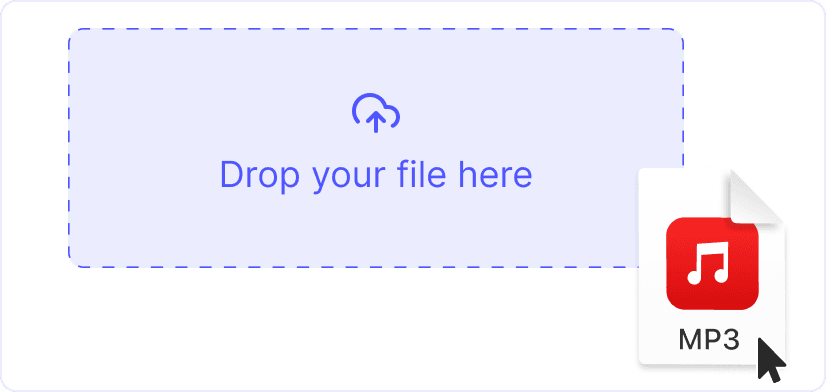
Drag an MP3 onto the page or click “Upload a file”. Songs, podcast episodes and long mixes all fit, since each file can be up to 1 GB.
 2
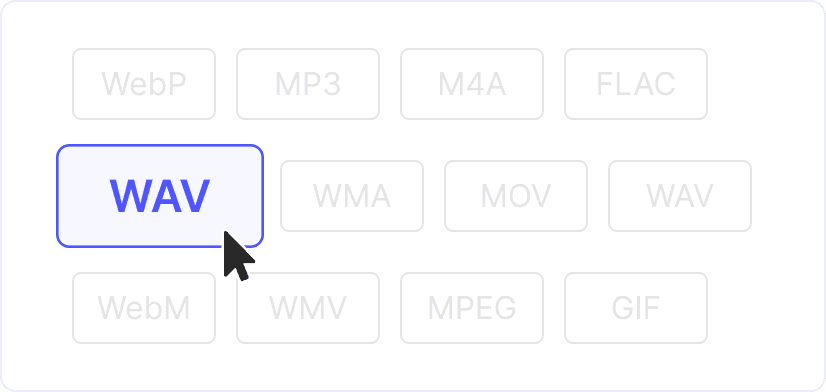
22. WAV is set as the output
The result is 16-bit PCM at the sample rate of the MP3, in stereo when the MP3 is stereo. There are no sample rate or bit depth options: the WAV matches its source.
 3
33. Convert and download
Click “Convert” and save the WAV. The file keeps its name with a new extension, so song.mp3 becomes song.wav. You can drag it straight into your editor or burning software.
For software that wants PCM
Some samplers, CD-burning programs and older audio editors accept only uncompressed WAV. Converting the MP3 once gives them a file they read directly, with no decoder and no import error.
No new losses while you edit
The WAV holds exactly what the MP3 decodes to, nothing more. From here you can cut, fade and normalize it as often as you like, and each save keeps every sample instead of compressing the audio again.
Explore more free tools
MP3 to MP4
MP4 to WAV
MP4 to MP3
AVI to MP4
MP4 to FLAC
MP4 to MPEG
MP4 to WebM