WMV to MP4 Converter
Turn old Windows Media videos, such as movies saved from Movie Maker and early webcam clips, into MP4. The resolution stays the same, and the video plays outside Windows too.
By using our service you accept our Terms of Service and Privacy Policy.
How to convert WMV to MP4
Three steps from a Windows Media file to an MP4 that opens on any device
 1
11. Upload the WMV
Drag the .wmv onto the page or click “Upload a file”. Each file can be up to 1 GB.
 2
22. MP4 with H.264 is preset
The Windows Media video and audio are re-encoded to H.264 and AAC. Resolution, aspect ratio and frame rate stay as they were, so a 4:3 home video keeps its shape.
 3
33. Download and watch it anywhere
Click “Convert” and save the MP4. It opens in QuickTime Player on a Mac, in the Files app on an iPhone and in Chrome, Safari or Firefox. None of them plays WMV.
WMV rarely plays outside Windows
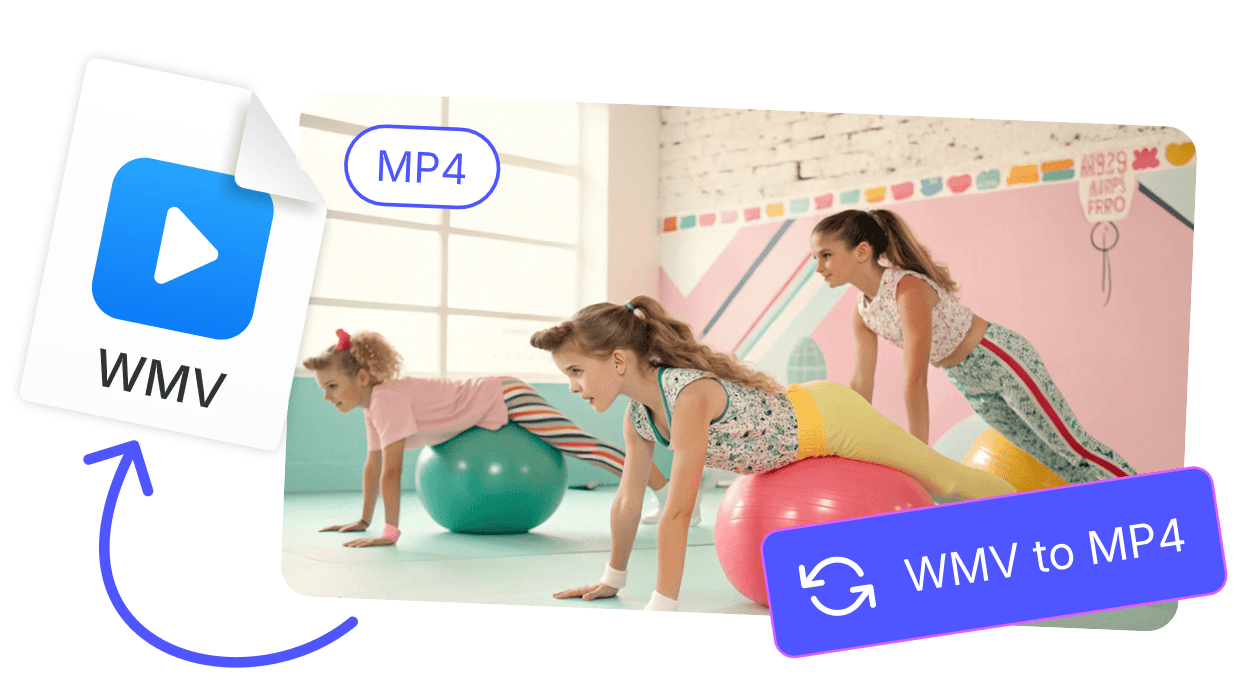
Microsoft built WMV for Windows Media Player, and macOS, iOS and web browsers have never supported it natively. A clip that played fine on an old PC will not open on a Mac or an iPhone. The MP4 version plays on both.
Same picture size, smaller file
H.264 is more efficient than the WMV codecs that most old recordings use. The MP4 keeps the original resolution and frame rate. In our test, a 640 by 480 WMV was about a quarter smaller after conversion.
Explore more free tools
MP4 to WMV

AVI to MP4
WebM to MP4
MP3 to MP4

WAV to MP4

MPEG to MP4

Reverse Video