MP4→GIF
MP4 to GIF
Turn video clips into looping GIFs. Pick the range, convert and share.
or drag and drop your file
By using our service you accept our Terms of Service and Privacy Policy.
🛡️100% Secure
⚡Browser-Based
🎬20+ Formats
🔒No Data Stored
✓Free Forever
How to convert MP4 to GIF
Three steps to a looping GIF
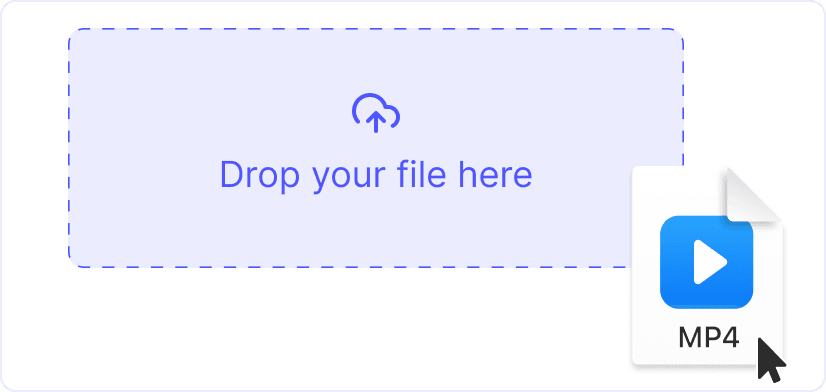 1
11. Upload your MP4
Click “Upload” or drag a video onto the page. Files up to 1 GB accepted.
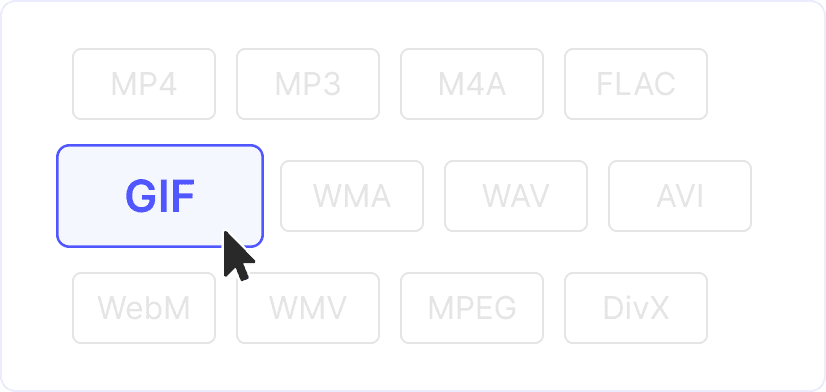 2
22. Set GIF options
Trim the range you want, adjust frame rate and output size. Smaller dimensions keep the file size down.
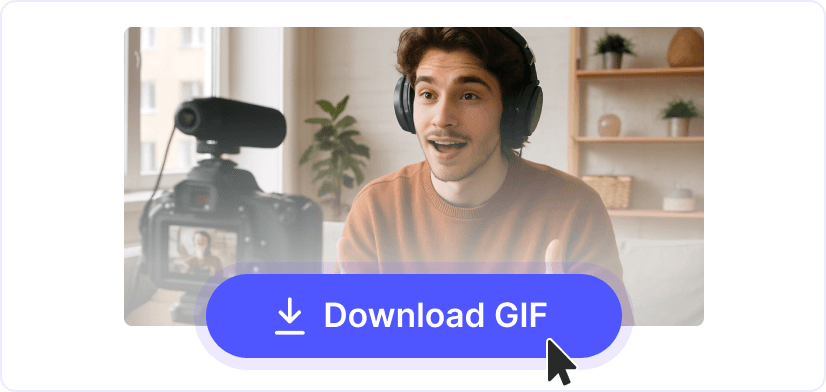 3
33. Download the GIF
Hit “Convert” and save your looping GIF. Ready for social media, messaging apps or websites.
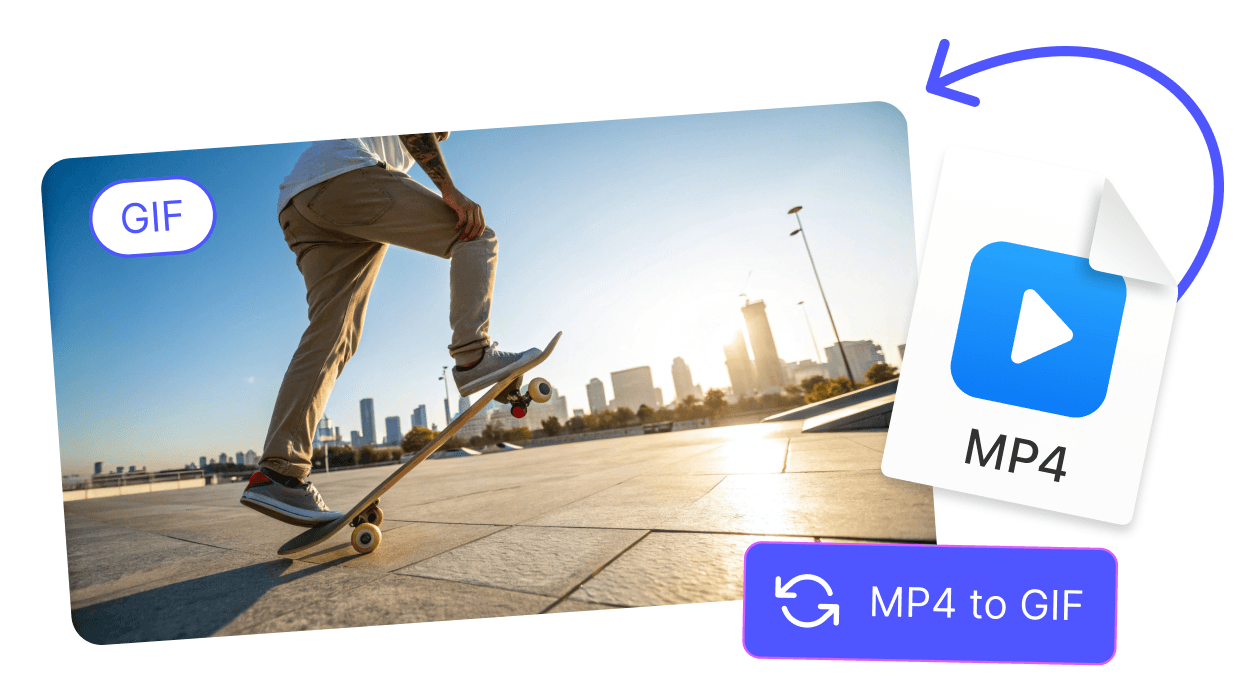
Shareable loops
GIFs play automatically on most platforms. Good for reactions, tutorials, product demos and social posts.
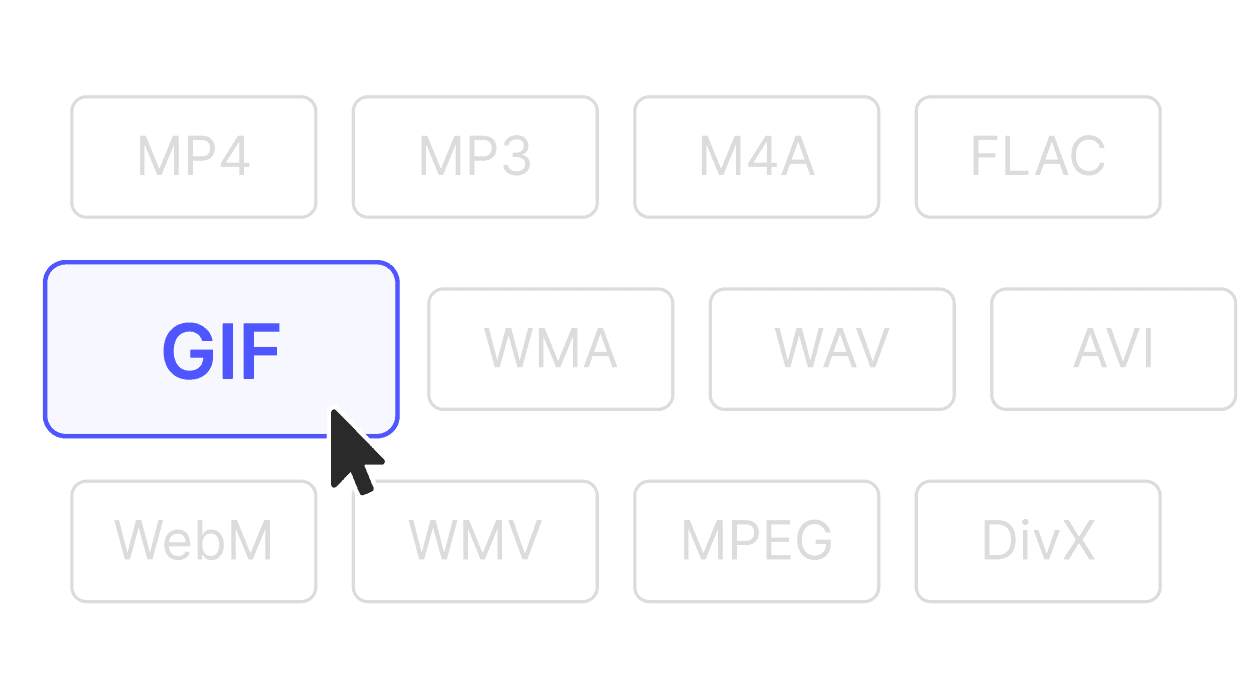
Control size and quality
Adjust dimensions and frame rate to balance quality and file size. A shorter clip at lower resolution keeps GIFs small.
Explore more free tools
Trim, resize or convert your files further. All tools work in the same browser workspace.
CONVERTER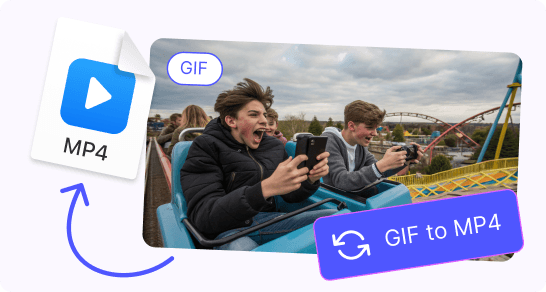
See all features GIF to MP4
Convert GIFs to MP4 for smaller files and sharper playback on any device.
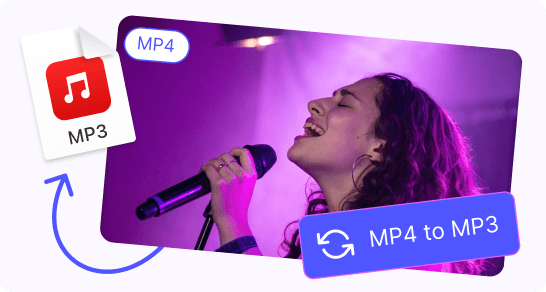
CONVERTERMP4 to MP3
Extract MP3 audio from MP4 video files. Pick your bitrate, download in seconds.
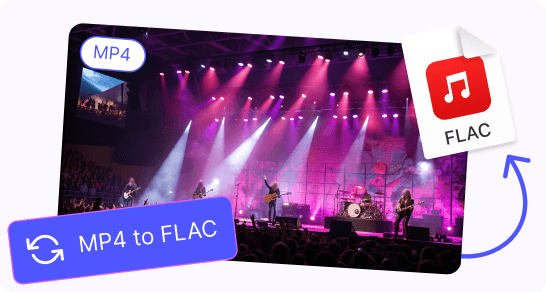
CONVERTERMP4 to FLAC
Extract lossless FLAC audio from MP4 video. Keeps the original sound quality.
CONVERTERMP4 to WMA
Pull WMA audio from MP4 video. Compact files, works with Windows players.
CONVERTERMP4 to DivX
Re-encode MP4 to DivX for smaller files. Compatible with legacy players.
CONVERTERMP4 to M4V
Convert MP4 to M4V for iTunes and Apple TV sync.
CONVERTERMP4 to MKV
Repack MP4 into MKV. Keeps subtitles, multiple audio tracks and chapters.
CONVERTERMP4 to MPEG
Convert MP4 to MPEG for DVD authoring, broadcasting or older hardware.
FAQ
GIFs autoplay on most platforms and messaging apps. They are easy to share and don't need a video player.
Yes. Use the trim handles to pick the exact range before converting.
Use a shorter clip, lower the frame rate and reduce the output dimensions. All three settings are adjustable before conversion.
Videos up to 1 GB are accepted. Larger files take a bit longer but follow the same process.
No. The exported file has no watermarks or branding.
All transfers use HTTPS. Files are processed in memory and deleted from our servers within minutes after conversion.