Rotate video online for free
This video rotator runs in your browser. Turn a clip by 90° or 180°, or mirror it.
By using our service you accept our Terms of Service and Privacy Policy.
How to rotate a video online
Three steps, all inside your browser
 1
11. Choose a video
Click “Choose a video” or drag a video file into the box. The file can be MP4, MOV, WebM or GIF, up to 1 GB. The video opens in your browser.
 2
22. Rotate or mirror it
On the Rotate tab, click “90° right”, “90° left”, “180°” or “Mirror”. Clicks add up, so clicking “90° right” twice turns the video 180°. The preview shows the result immediately.
 3
33. Save and download
If you need a different size or the MOV format, pick it in the list next to “Save”. Then click “Save”. When processing ends, click “Download”. The file has no watermark.
Portrait or landscape in one click
A 90° turn swaps width and height, so a 1920×1080 clip becomes 1080×1920. “Mirror” flips the picture from left to right.
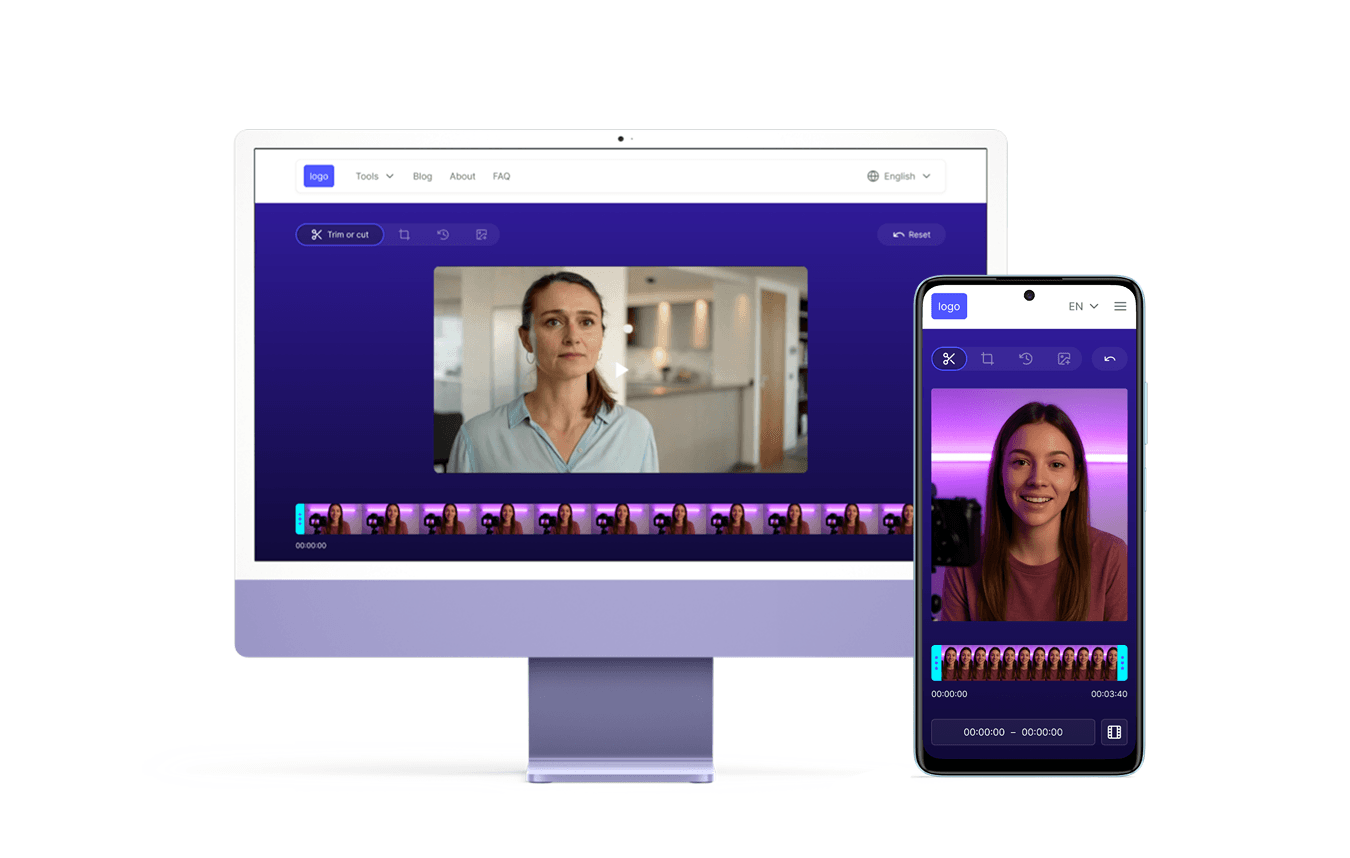
Your video stays on your device
The editor runs in your browser, so the file is processed on your device and never uploaded to a server. You don't need an account, and the saved file has no watermark.
Explore more free tools

Crop Video

Video Resizer
Trim Video

Add Emoji

Reverse Video

YouTube Downloader

AVI to MP4