Instagram Photo Downloader
Bookmarking a photo in the app only keeps it inside Instagram. Here, an outfit idea, a room you love or a hairstyle to show your stylist goes to your gallery in full size, not as a blurry screenshot.
By using our service you accept our Terms of Service and Privacy Policy.
How to download images from Instagram
Link in, JPG out
 1
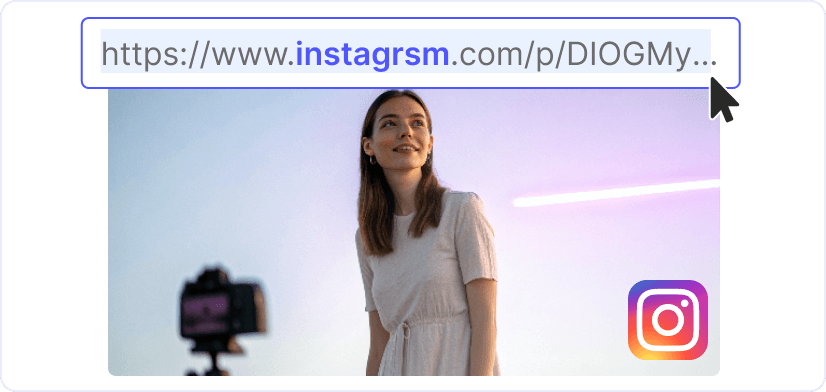
11. Grab the link from the post
Tap "Share" or "⋯" on the post and choose "Copy link". On a computer, the address bar holds it. Want to pick from an account's photos? Skip the link and type its username. A cafe, a designer or a friend's account all work the same way.
 2
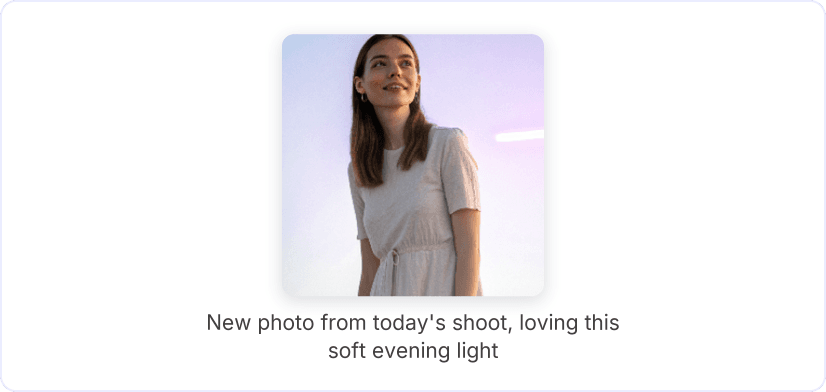
22. Fetch the photo
Put the link in the field and press "Download": the photo from that post appears in a few seconds. With a username, you get the profile's "Posts" grid instead, newest first, with more loading as you scroll.
 3
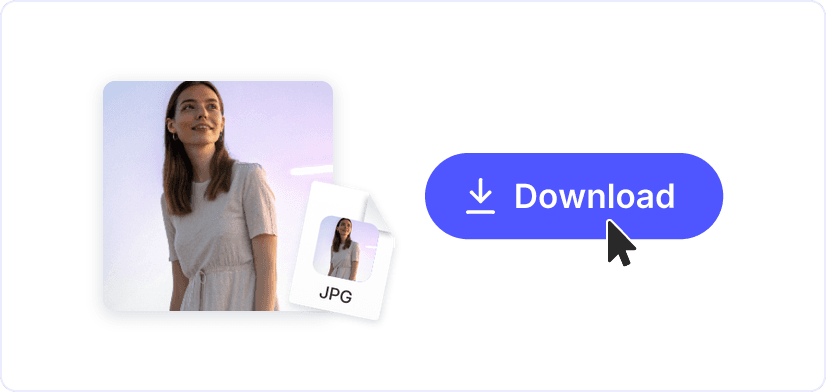
33. Send it to your gallery
A tap on "Download" under the photo gives you a JPG in the size it was uploaded. On Android it is saved in Downloads, and on iPhone in the Files app. Moving it into Photos takes one more step, described below.
Full size, in HD
You get the JPG exactly as the author uploaded it, with every detail a screenshot would lose. Prints come out clean and zoomed-in crops stay sharp, even on a large screen, because the Instagram photo downloader skips the screenshot and its extra compression.
Save Instagram photos straight from the grid
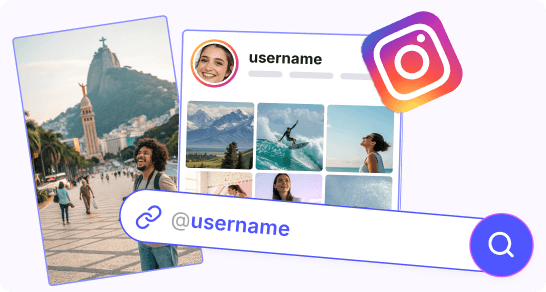
Enter a username and the public posts appear in the "Posts" grid: scroll, enlarge any picture with a tap and save the ones you like online. Video posts are in the grid too and save as MP4.
Find more worth saving
Instagram Profile Viewer
Instagram Downloader
Instagram Reels Downloader
Instagram Story Downloader
Instagram Story Viewer
MP4 to AVI
MP4 to DivX