TikTok to MP3 Converter
Get the song or the voice from any TikTok as an MP3. Play it offline or add it to your own edit, with no app to install.
By using our service you accept our Terms of Service and Privacy Policy.
How to convert a TikTok video to MP3
Copy a link, get the MP3
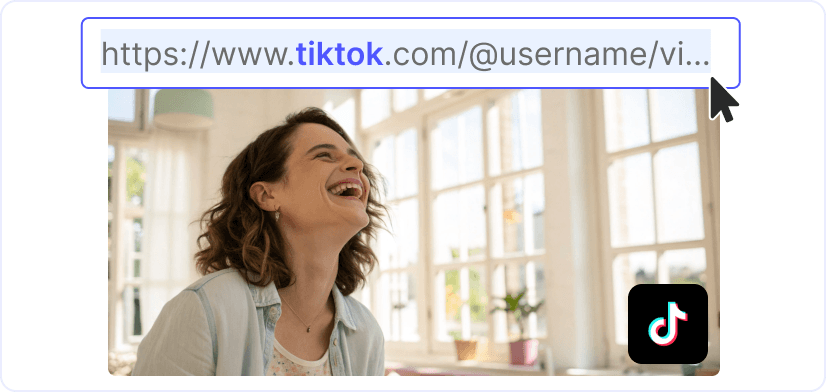 1
11. Find the clip with the sound
Find the TikTok where the song or voice plays and copy its link. In the app, it is under Share, then Copy link. On a computer, take it from the address bar. If many videos use the same sound, pick one where it plays without anyone talking over it.
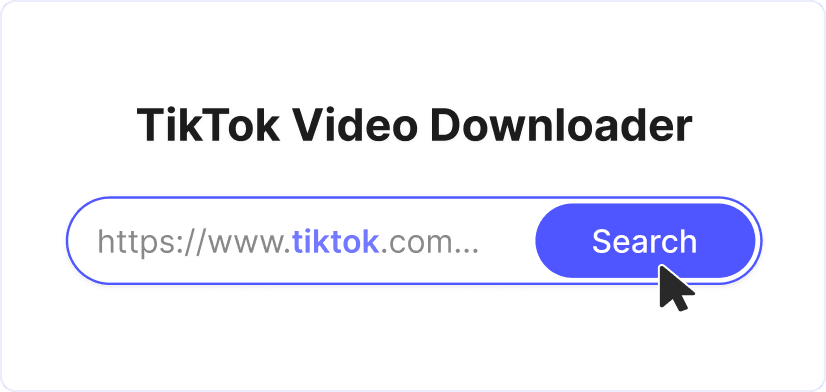 2
22. Convert the TikTok link to MP3
Once the link is in the field at the top of the page, press "Convert". The video's cover and caption usually appear in seconds, with the MP3 row first in the list.
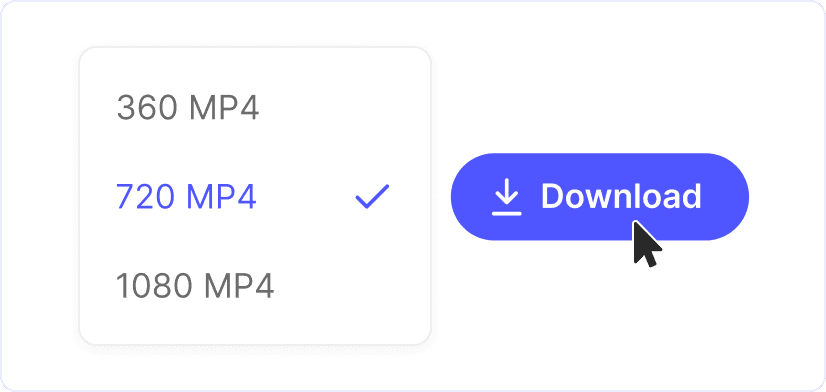 3
33. Save the MP3
Press "Download" on the MP3 row and the file downloads right away, named after the video's caption. On Android and on a computer, it is saved in the Downloads folder. On iPhone, Safari asks you to confirm and then saves the MP3 in the Files app.
TikTok to MP3: just the sound
Each TikTok MP3 download here is the video's full soundtrack in a single file that plays anywhere. There is nothing to install and no account to create. Paste the link and the audio is yours to keep.
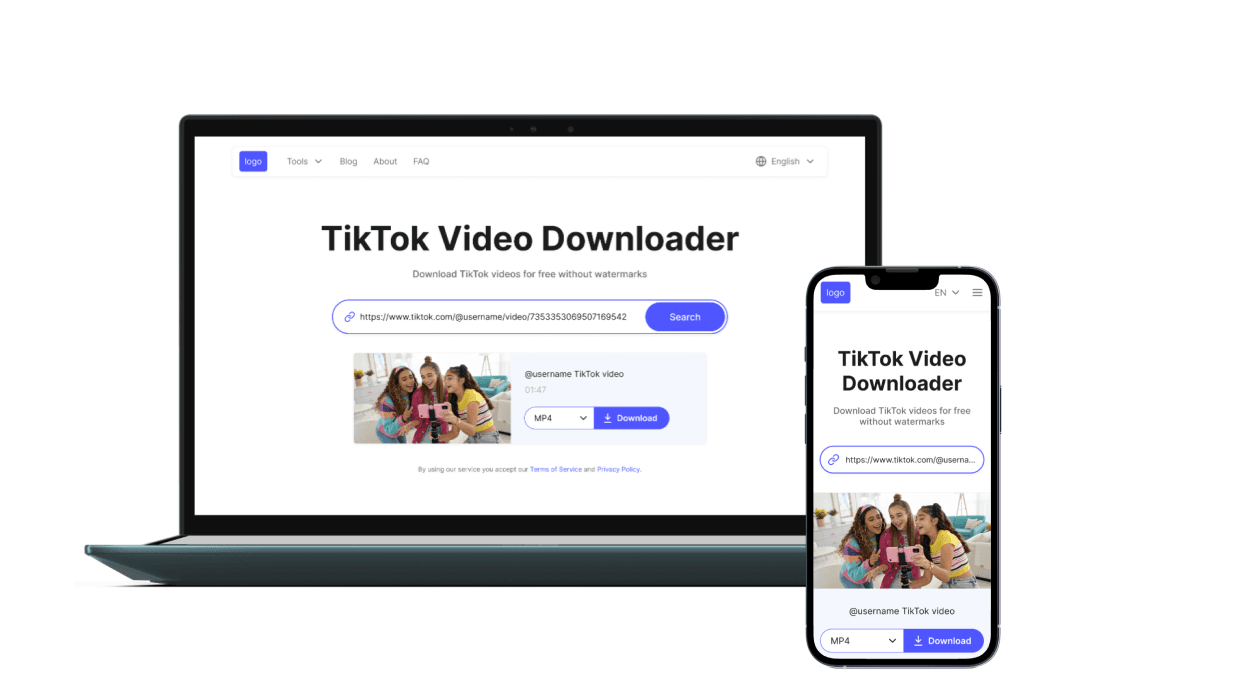
Ready for ringtones and your own edits
Listen to the MP3 offline on your phone or computer, set it as your ringtone or use it as the soundtrack of a video you are editing. The file opens in almost any music player and video editor, so the sound goes wherever you need it.
More tools for your audio and clips
TikTok Downloader

YouTube to MP3
MP4 to MP3
Trim Video

YouTube Downloader
MP4 to MPEG
MP4 to WAV