Reverse video online
Play your clips backwards for reels, Shorts or TikTok. Works right in the browser.
By using our service you accept our Terms of Service and Privacy Policy.
How to reverse a video
Three steps to a backwards clip
 1
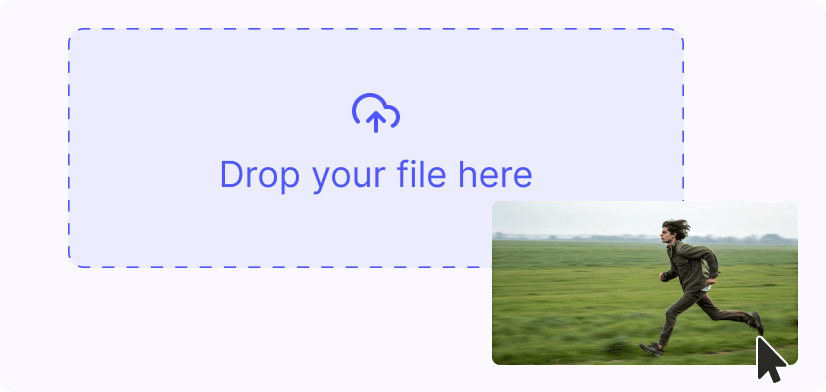
11. Upload a video
Drag an MP4, MOV, WebM or GIF into the box, or click “Upload”. Files up to 1 GB accepted.
 2
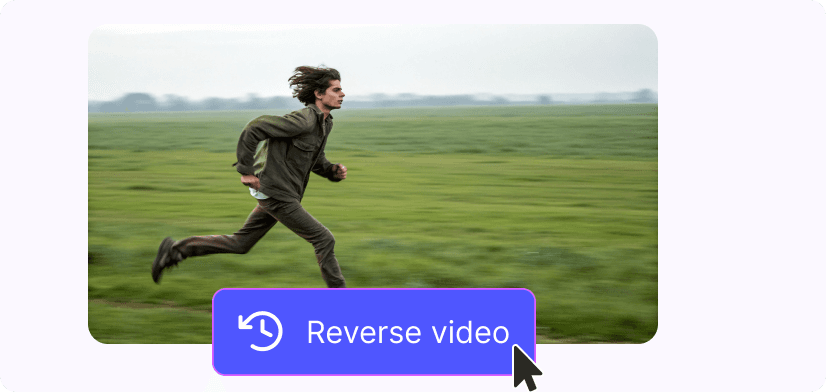
22. Apply the reverse effect
Open the “Reverse” tab and click “Reversed”. The audio is reversed together with the video. The preview still plays forward, and the backwards version is in the file you save.
 3
33. Save & download
Click “Save” and wait for the processing to finish. Then choose 1080, 720 or 360 MP4 (or MOV) and click “Download”. The file has no watermark.
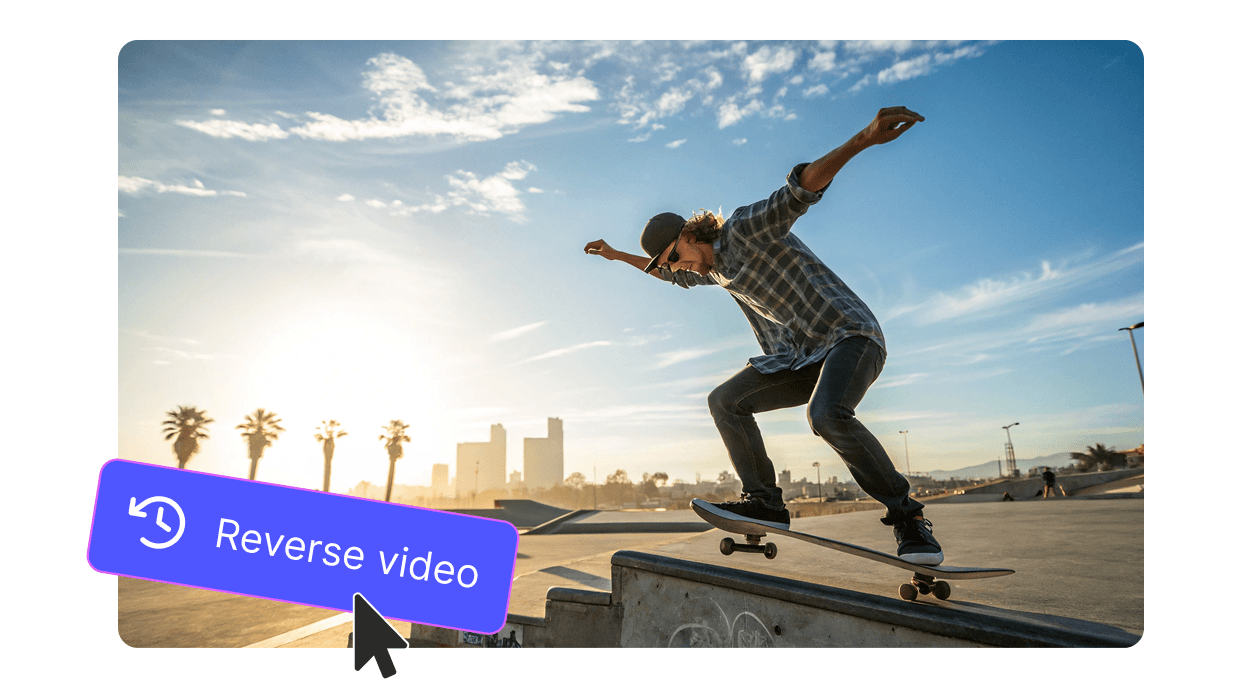
Instant reverse effect
Generate backwards motion and rewind transitions in seconds. Works well for magic tricks, sports replays and creative edits.

Combine with other edits
Trim, crop, add text or stickers before or after reversing. Everything runs in your browser, nothing to install.
Explore more free tools
Trim Video

Video Resizer

MP4 to GIF

Add Emoji

Add Stickers

MP4 to AVI

MP4 to DivX