GIF→MP4
GIF to MP4
Convert GIFs to MP4 for smaller files and sharper playback on any device.
or drag and drop your file
By using our service you accept our Terms of Service and Privacy Policy.
🛡️100% Secure
⚡Browser-Based
🎬20+ Formats
🔒No Data Stored
✓Free Forever
How to convert GIF to MP4
Three steps to a lighter video
 1
11. Upload your GIF
Click “Upload” or drag a GIF onto the page. Files up to 1 GB accepted.
 2
22. Select MP4 output
MP4 is pre-selected. Adjust resolution or quality in advanced settings if needed, then hit “Convert”.
 3
33. Download the MP4
Conversion finishes in seconds. Upload the MP4 to social media or embed it on your website.
Much smaller files
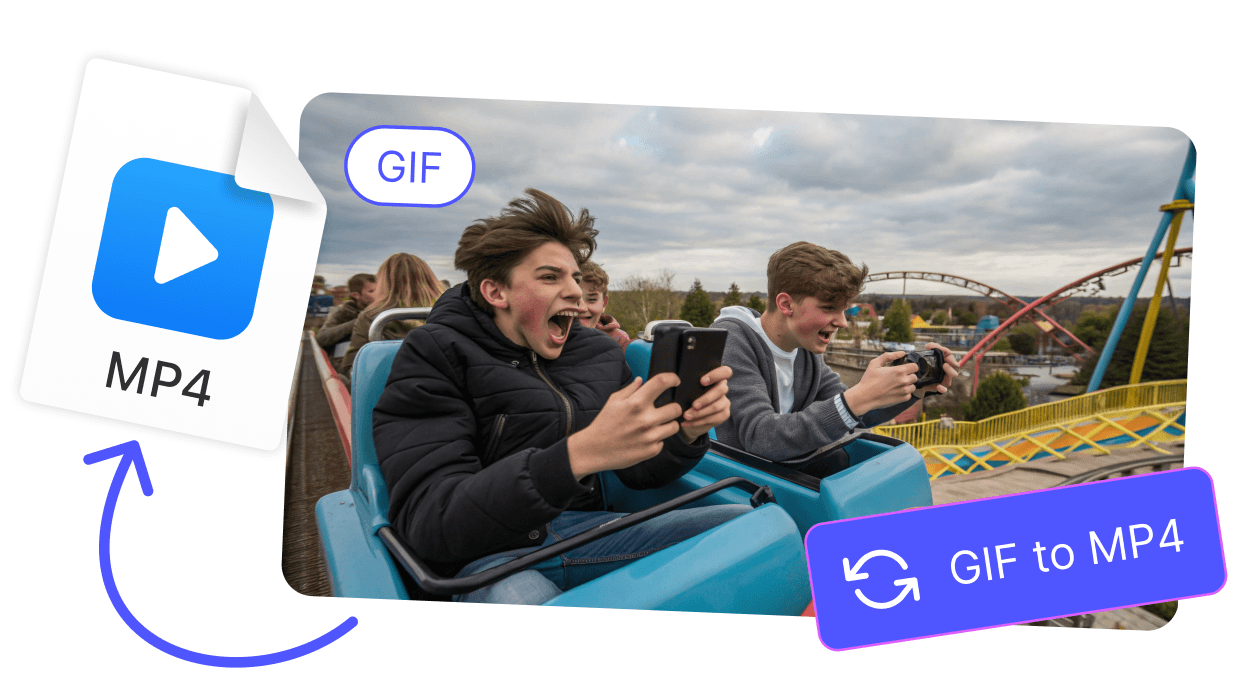
MP4 (H.264) is up to 80% smaller than GIF at the same dimensions. Better quality too, since MP4 supports more colors.
Plays everywhere
MP4 works on every phone, tablet, computer and social platform. GIF support is inconsistent on some sites.
Explore more free tools
Trim, resize or convert your files further. All tools work in the same browser workspace.
CONVERTER



See all features MP4 to GIF
Turn MP4 clips into looping GIFs. Pick the range, convert and share.
CONVERTERAVI to MP4
Convert AVI files to MP4 for smaller size and wider device support.
CONVERTERWebM to MP4
Convert WebM to MP4 for playback on any device. Drag in, convert, save.
CONVERTERMP3 to MP4
Combine an MP3 track with a cover image to make an MP4 video.
CONVERTERWAV to MP4
Pair WAV audio with a static image as MP4. Smaller files, easier to upload.
CONVERTERWMV to MP4
Convert old Windows Media videos to MP4 for Mac, iPhone and browsers.
EDITORAdd GIF
Overlay animated GIFs on your video. Control size, placement and timing.
EDITORCrop Video
Crop footage online. Set a custom frame or pick a preset ratio like 9:16 or 1:1.
FAQ
MP4 files are dramatically smaller and look better. They also play on more platforms than GIF.
MP4 doesn't loop by default like GIF. Most social platforms auto-loop short MP4s. On websites, add the loop attribute to your video tag.
No. The MP4 contains only the video frames from the GIF. You can add audio later with our editor.
GIFs up to 1 GB are accepted. Larger files take a bit longer but follow the same process.
All transfers use HTTPS. Files are processed in memory and deleted from our servers within minutes after conversion.