AVI to MP4
Convert an AVI to MP4 so it plays on a phone, in a browser and in any modern editor.
By using our service you accept our Terms of Service and Privacy Policy.
How to convert AVI to MP4
From AVI to MP4 in three steps, with no codec pack to install
 1
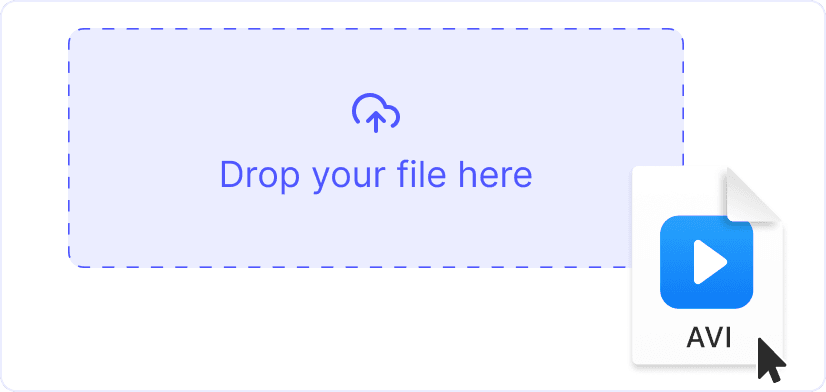
11. Upload your AVI
Drag an AVI onto the page or click “Upload”. It does not matter whether the video inside is DivX, Xvid or MJPEG. Up to 1 GB per file.
 2
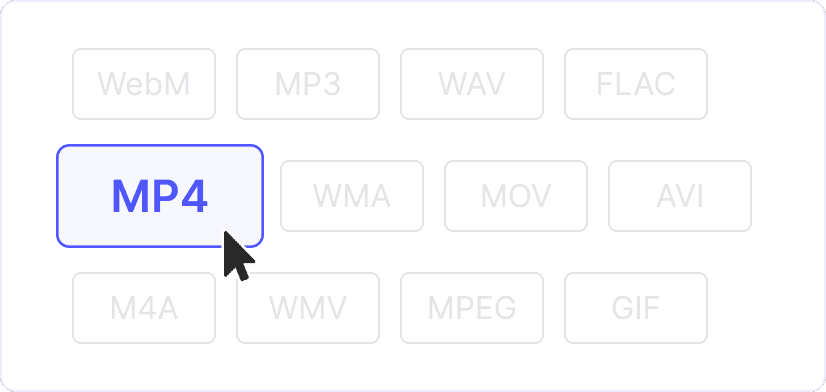
22. H.264 and AAC are already set
The video is re-encoded to H.264 and the audio to AAC, a combination that every phone, browser and TV decodes. Lower the resolution only if you want an even smaller file.
 3
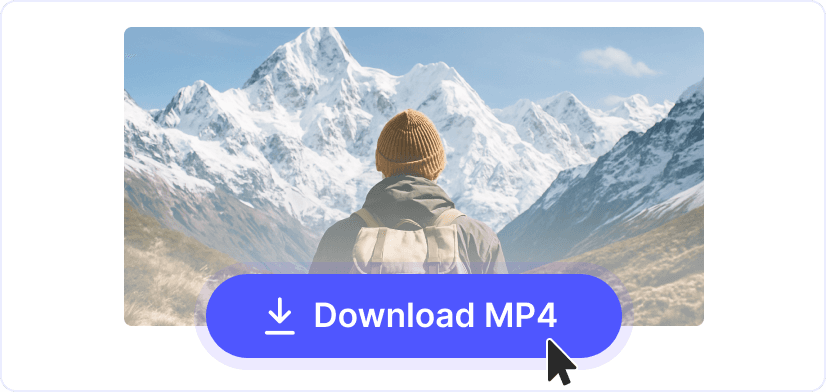
33. Download and play it anywhere
The MP4 opens on an iPhone, in Chrome, in Premiere and on a smart TV. None of them needs the codec pack that an AVI often forces you to install.
A third to a half smaller
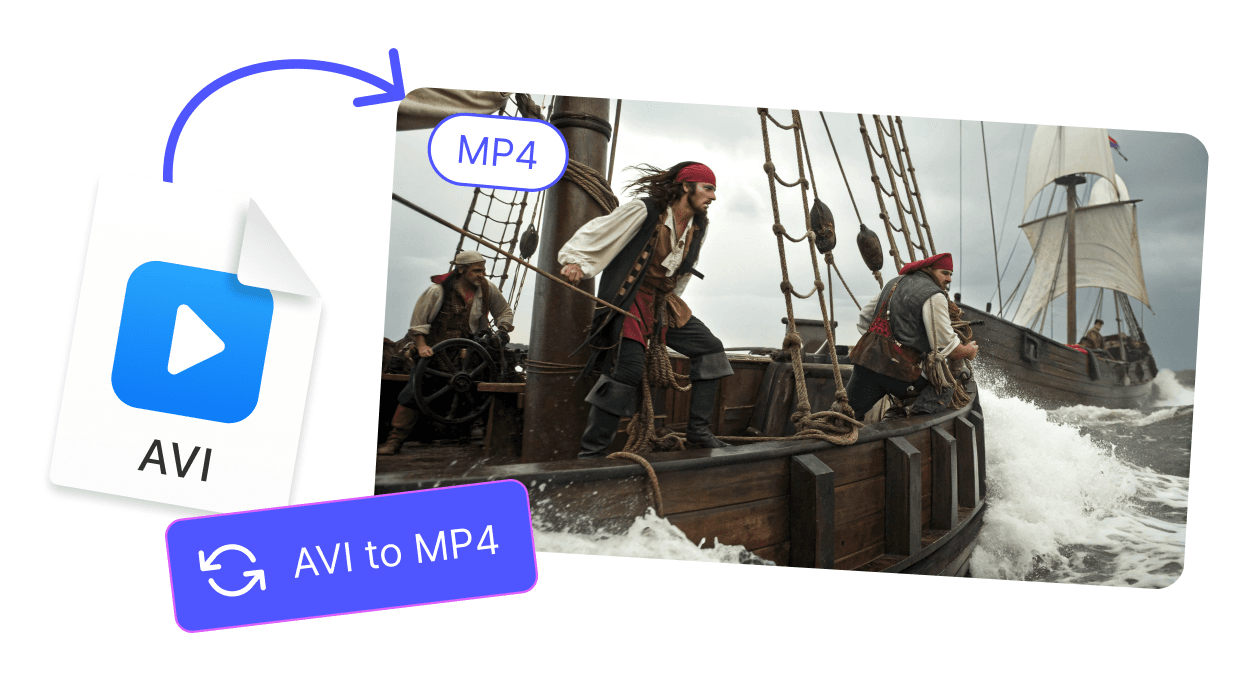
AVI usually carries DivX or Xvid, codecs that predate H.264. Re-encoding to H.264 at the same quality cuts the file size by a third to a half, and the picture looks the same.
Silent AVI files get their sound back
An AVI that plays with no sound usually holds an audio track your player cannot decode. The MP4 comes out with AAC audio, which every current player and phone handles, so the sound is there again.
Explore more free tools
MP4 to AVI
WebM to MP4
MP3 to MP4
WAV to MP4

GIF to MP4
MPEG to MP4
VOB to MP4