MP3 to MP4

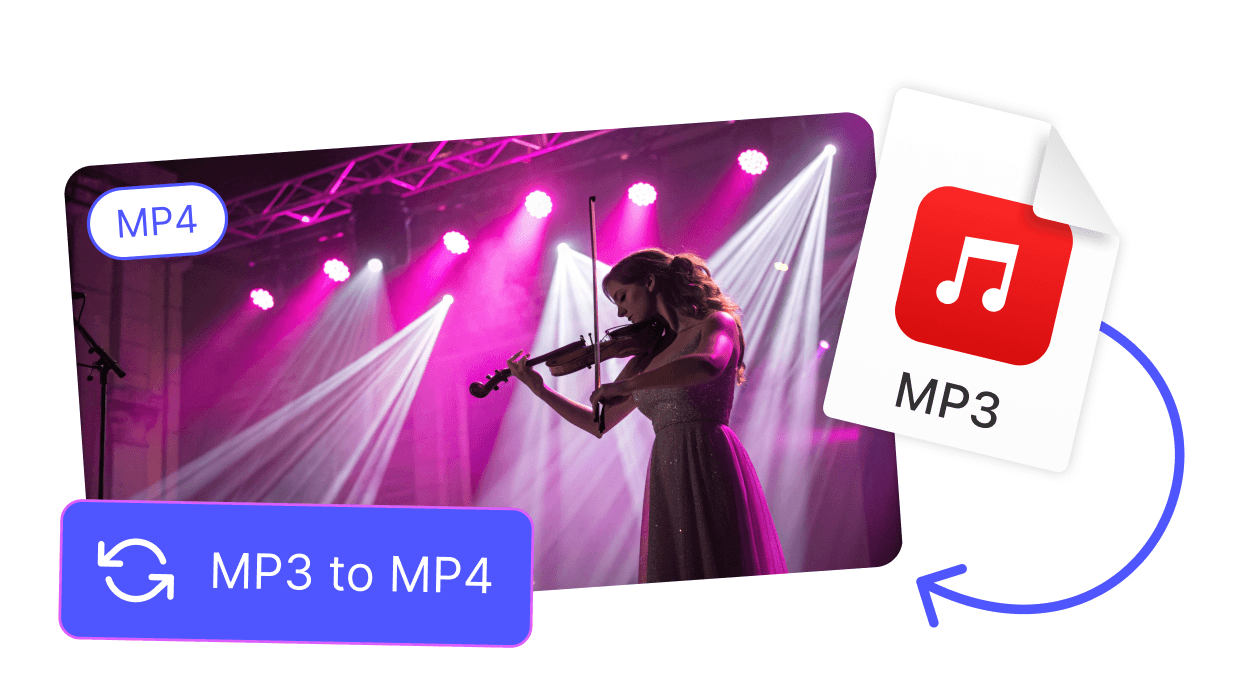
Create share-ready MP4 videos from MP3 audio instantly. Perfect for YouTube, Instagram or TikTok posts - 100 % online.

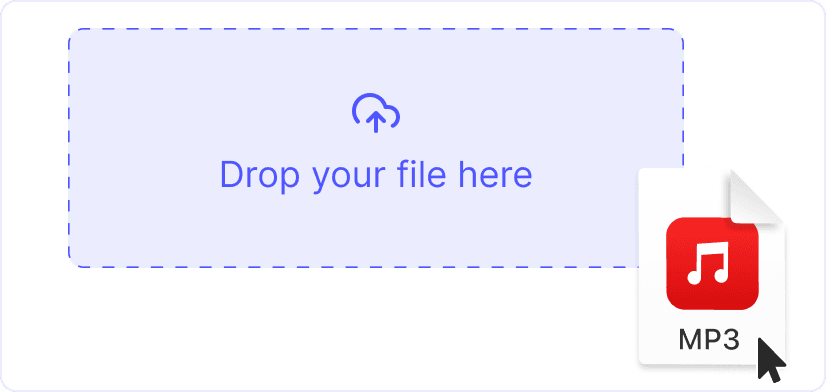
or drag and drop your file

By using our service you accept our Terms of Service and Privacy Policy.

How to convert MP3 to MP4

Make an MP4 with audio and thumbnail in three steps

1. Upload your MP3

1. Upload your MP3

Click “Upload” or drag an MP3 onto the page. Large podcasts, songs or voice notes are all accepted.

2. Add image & choose MP4

2. Add image & choose MP4

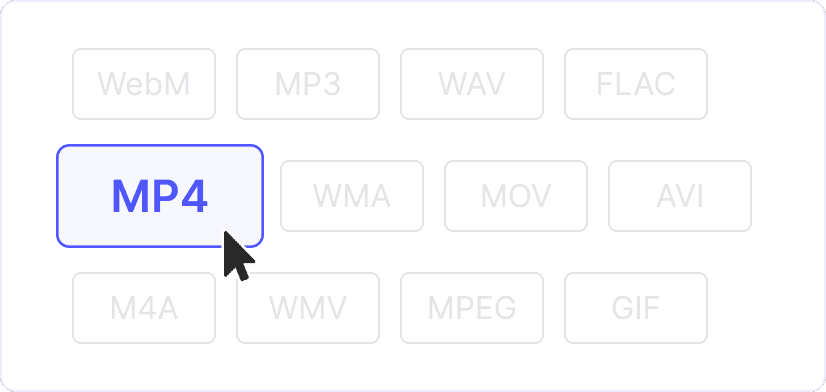
Select a cover picture (optional) and keep MP4 as the export format. Adjust resolution or aspect ratio if required.

3. Download the MP4 video

3. Download the MP4 video

Hit “Convert”. In a few seconds your audio plays inside a new MP4 file - ready to upload or embed anywhere.

Convert now
MP3 to MP4 for free

Audio meets video in one click

Wrap any MP3 file in an MP4 container with a static or animated cover image. Perfect for creating shareable videos from audio files - ideal for music channels, audiobooks, podcasts, and social media feeds.

Quick format switch

More than MP3 to MP4

Our versatile converter supports dozens of formats beyond MP3. Convert MOV, WAV, WebM, FLV, and many other audio and video formats - no software installs, no watermarks, unlimited conversions.

Explore more browser tools

Enhance your converted MP4 videos with our complete editing suite. Trim, resize, add subtitles, or download videos - all free and browser-based to speed up your content workflow.
Video Resizer

Video Resizer

Resize any video for TikTok, Instagram or YouTube online: crop or fit perfectly with zero quality loss.
Add Emoji

Add Emoji

Add vibrant emoji stickers to videos in-browser: choose size, position and timing to match every scene.
Trim Video

Trim Video

Cut beginning, middle or end of any clip online: trim precisely, remove unwanted parts, keep best moments.
Reverse Video

Reverse Video

Play footage backward for social posts: upload, reverse instantly in one click, then download the edited file.
MP4 to MP3

MP4 to MP3

Extract high-quality MP3 audio from MP4 movies online: fast conversion, no installs, zero loss in bitrate.
Add Stickers

Add Stickers

Insert fun, colorful stickers on video frames: drag, resize, schedule appearance and boost viewer engagement.
YouTube Downloader

YouTube Downloader

Download YouTube videos to your device in chosen format and resolution: quick, secure, no quality degradation.
Add GIF

Add GIF

Overlay animated GIFs on top of any video track: control size, placement and timing for dynamic visual effects.
Crop Video

Crop Video

Crop footage directly online to focus on key content: set custom frame, remove distractions, export instantly.
YouTube to MP3

YouTube to MP3

Convert YouTube links to MP3 audio in seconds: keep music, podcasts or lectures offline with perfect fidelity.
TikTok Downloader

TikTok Downloader

Save TikTok videos in HD without watermark: paste the link, download instantly for offline viewing or edits.
Twitter Downloader

Twitter Downloader

Grab videos from Twitter posts in multiple qualities: paste URL, download fast and watch offline anytime.
YouTube to MP4

YouTube to MP4

Get YouTube videos as MP4 files with selectable quality: copy URL, convert online, store for editing or sharing.
Instagram Downloader

Instagram Downloader

Download Instagram videos, Reels, stories and IGTV in high definition: no login, no watermarks, free forever.
AVI to MP4

AVI to MP4

Convert legacy AVI files to modern MP4 format online: reduced size, broader compatibility, instant download.
MP4 to FLAC

MP4 to FLAC

Extract lossless FLAC audio from MP4 clips: preserve full quality for music archiving or professional editing.
WebM to MP4

WebM to MP4

Transform WebM videos to universal MP4 for smooth playback on any device: drag, convert and save quickly.
MP4 to WMA

MP4 to WMA

Turn MP4 video into compact WMA audio files within your browser: efficient size, ideal for Windows players.
MP4 to DivX

MP4 to DivX

Re-encode MP4 movies to high-compression DivX format: smaller files, good quality, ready for legacy devices.
MP4 to MOV

MP4 to MOV

Change MP4 videos to Apple-friendly MOV format online: perfect for QuickTime or Final Cut workflows.
MP4 to M4A

MP4 to M4A

Strip audio from MP4 and save as clean M4A tracks: great for iOS playlists and streaming with small file size.
MP4 to AVI

MP4 to AVI

Convert MP4 clips to widely supported AVI containers: maintain quality while ensuring legacy device playback.
MP4 to WebM

MP4 to WebM

Export MP4 content as lightweight WebM for web delivery: faster streaming and reduced bandwidth consumption.
MP4 to WMV

MP4 to WMV

Switch MP4 videos to WMV format for smooth playback on Windows PCs and classic media players.
MP4 to MPEG

MP4 to MPEG

Repackage MP4 footage as standard MPEG files: optimize for broadcasting, DVDs or older hardware.
MP4 to MPG

MP4 to MPG

Convert MP4 files to MPG quickly online: ensure compatibility with vintage devices and authoring software.
MP4 to WAV

MP4 to WAV

Extract uncompressed WAV audio from MP4 video: ideal for editing, podcasts or high-quality sound archiving.
MP4 to FLV

MP4 to FLV

Turn MP4 videos into lightweight FLV for legacy web players: faster loading without sacrificing clarity.
MP4 to M4V

MP4 to M4V

Convert MP4 to DRM-ready M4V for effortless sync with iTunes, Apple TV and other iOS environments.
MP4 to MKV

MP4 to MKV

Wrap MP4 streams in flexible MKV containers: add subtitles, multiple tracks and achieve better compression.
MP4 to GIF

MP4 to GIF

Create looping GIF animations from MP4 snippets: select range, convert online, share on social platforms.
MP4 to WebP

MP4 to WebP

Generate animated WebP images from MP4 clips: enjoy tiny file sizes and rapid page loading speeds.
MP3 to MP4

MP3 to MP4

Combine MP3 audio with still imagery to form MP4 video: ideal for YouTube or social music sharing.
WAV to MP4

WAV to MP4

Encode WAV audio into MP4 video with a static cover: reduce size and improve compatibility for uploads.
GIF to MP4

GIF to MP4

Upgrade looping GIFs to smooth MP4 video: smaller files, better quality, compatible with all devices.
See all features

FAQ

Can I add a custom image or album art?

Yes, absolutely. After uploading your MP3 file, click "Add image" to upload a custom cover image in JPG or PNG format. This image will display throughout the entire video, making it perfect for album artwork, podcast covers, or any visual branding you want to include.

Will my audio quality change during conversion?

No, your audio quality will remain exactly the same. The original MP3 track is embedded directly into the MP4 container without any re-encoding or compression. This means the bitrate, clarity, and all audio characteristics remain identical to your source file.

Is there a maximum file size for MP3 uploads?

You can upload MP3 audio files up to 1 GB in size. Larger files may take a bit longer to process, but they follow the same simple conversion process. Whether you're converting a short song or a long podcast episode, our converter handles files of all sizes efficiently.

Why convert MP3 to MP4?

Many popular platforms like YouTube, Instagram, Twitter, and TikTok require video files for uploads. Converting MP3 to MP4 allows you to share your audio content on these platforms where MP3 files aren't accepted. It's also useful for creating visual content from audio-only files, making your music, podcasts, or voice recordings more engaging on social media.

Can I batch convert multiple MP3 tracks?

Yes, you can convert multiple MP3 files. After completing one conversion, simply click "Upload another file" to process the next track. There are no daily limits, no queues, and no restrictions on how many files you can convert - convert as many as you need.

Are my files secure?

Your files are completely secure. All file transfers are encrypted using HTTPS protocol. Files are processed in real-time and automatically deleted from our servers within minutes of conversion completion. We never store your content or collect personal information, ensuring your audio files remain private and secure.