YouTube Playlist Downloader
Paste a YouTube playlist link and every video shows up as its own card. Open a card to choose the format and download that video.
By using our service you accept our Terms of Service and Privacy Policy.
How to download a YouTube playlist
Three steps in a browser tab, on a phone or a computer
 1
11. Copy the playlist link
Open the playlist on YouTube and copy the page URL from the address bar. The link contains list= and covers every video in the playlist.
 2
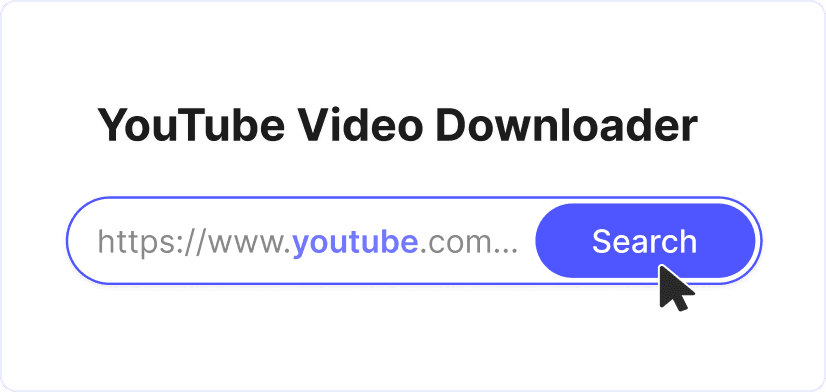
22. Paste it into the box
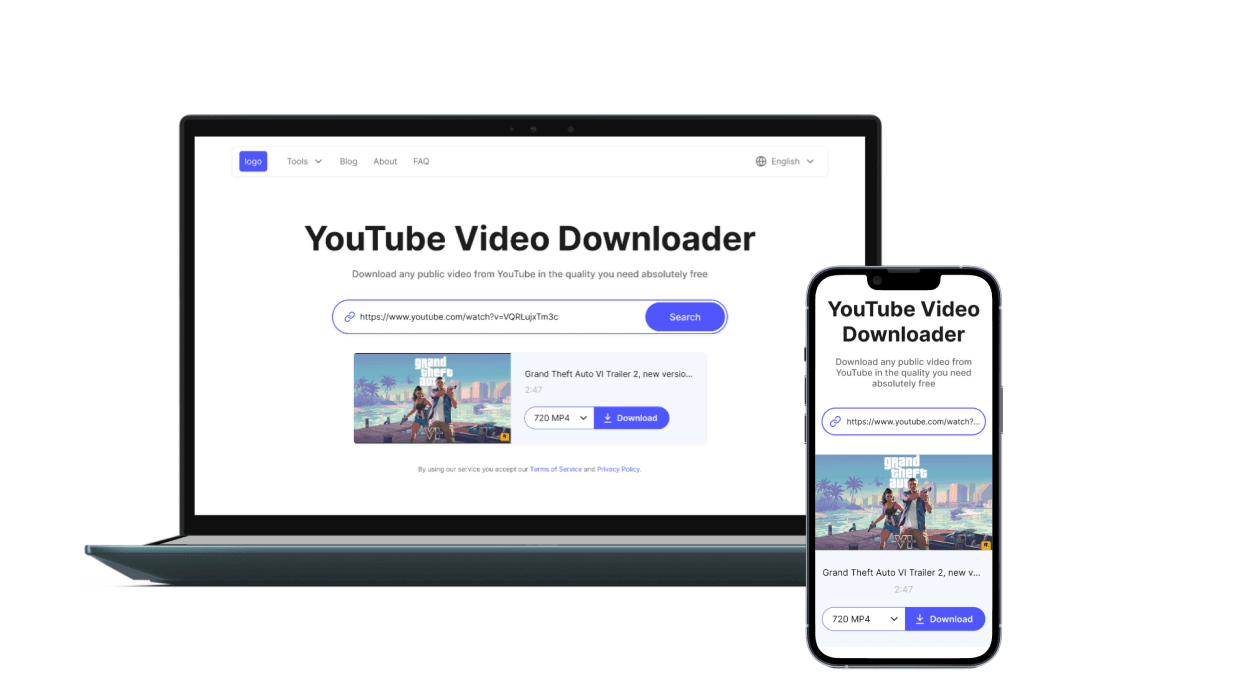
Press "Download" and every video in the playlist appears as a card with its thumbnail, title and duration.
 3
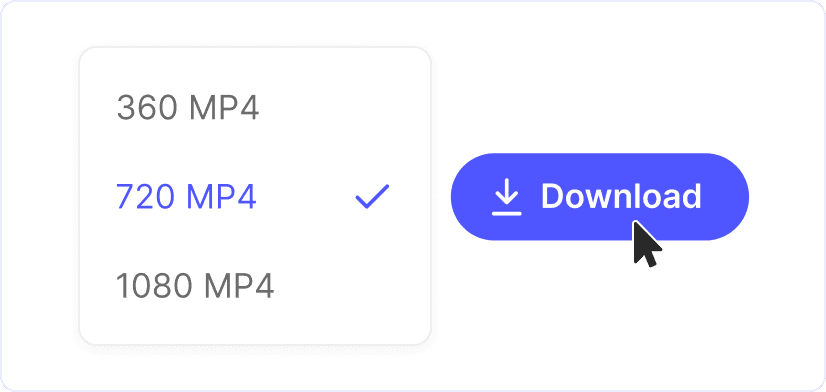
33. Choose what to save
Tap "Get formats" on a card to load the MP4 and audio options for that video, pick one and press "Download". Repeat for any other video you want.
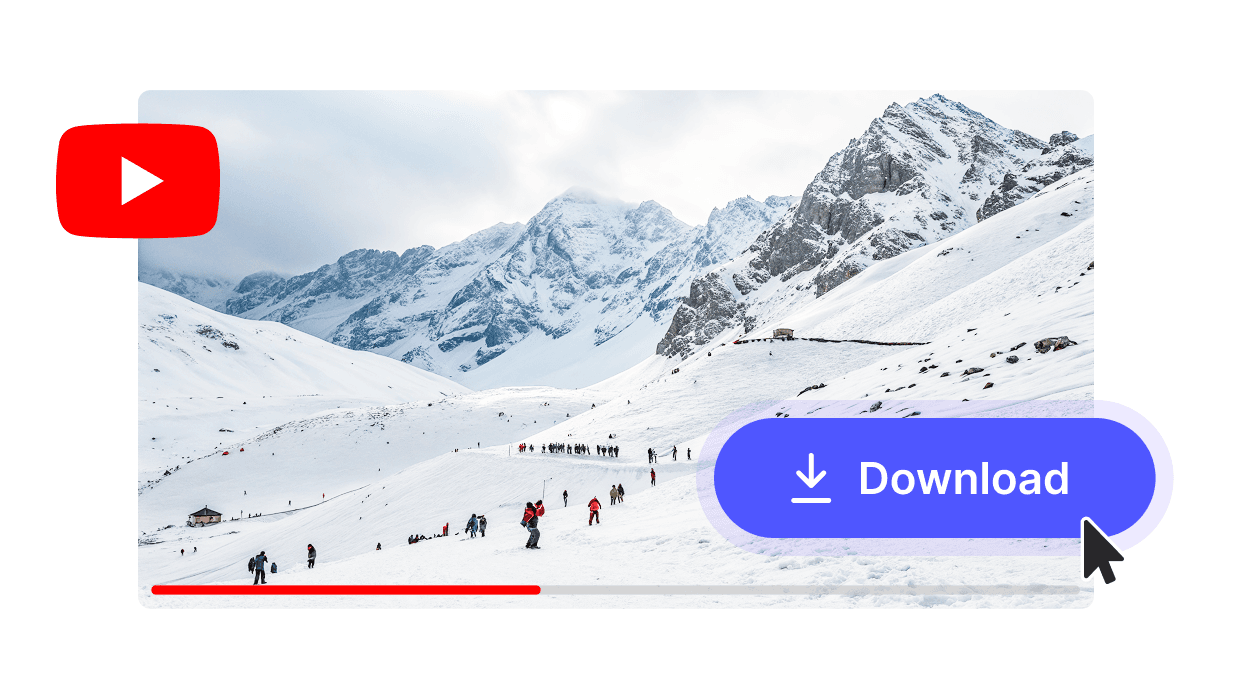
One card per video
Every video in the playlist gets its own card with a thumbnail, title and length, so you can see the whole playlist at a glance and pick exactly what you want.
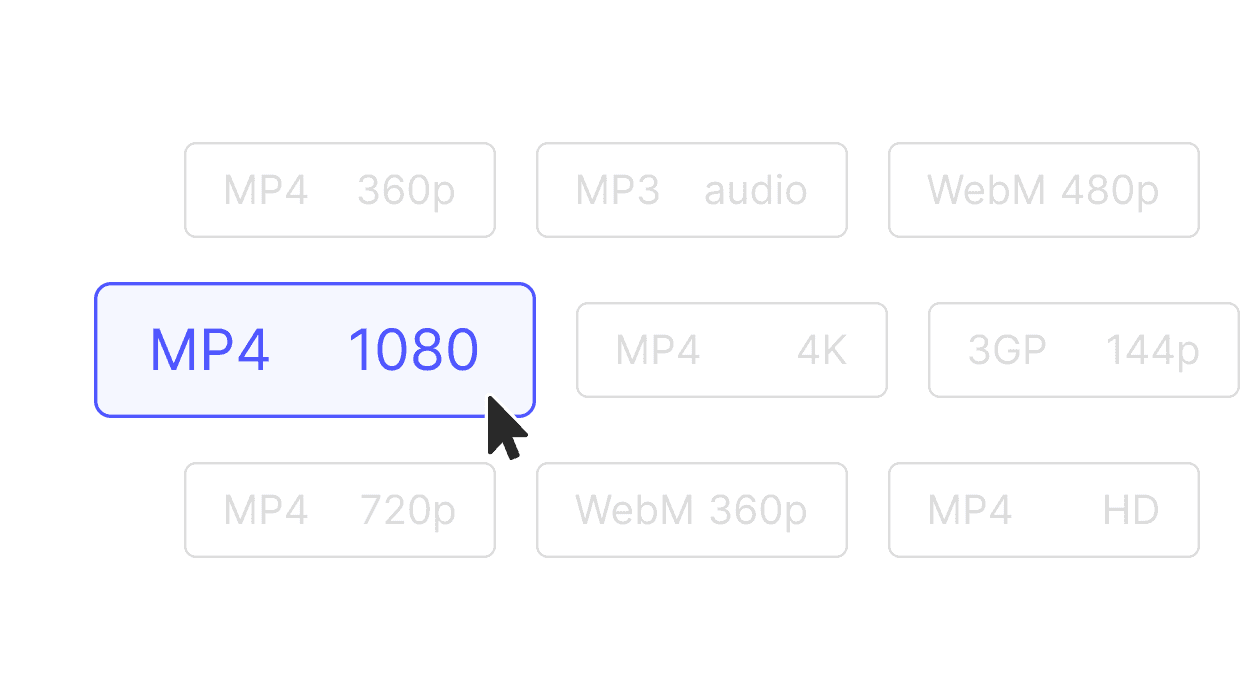
A format for each video
Choose MP4, WebM or MP3 per card. Grab the video for some and audio-only for others, all from the same playlist.
Only the videos you need
Formats load only for the card you open, so you can save two videos from a long playlist without waiting for the rest.
Explore more free tools

YouTube Downloader

YouTube to MP4

YouTube to MP3

TikTok Downloader

Twitter Downloader

MP4 to WMV

MPEG to MP4