Instagram Highlights Viewer
Menus, reviews, travel diaries and how-to guides stay pinned to a profile long after the stories expire. Open them all unseen and save the ones you need.
By using our service you accept our Terms of Service and Privacy Policy.
How to view Instagram highlights anonymously
Pinned stories, opened in a tap
 1
11. Pick the profile
Enter the account's username or paste its profile link. Want just one highlight, like a cafe's menu or a shop's reviews? Paste the link to that highlight instead, and only its stories load, without the rest of the profile.
 2
22. The "Highlights" tab opens first
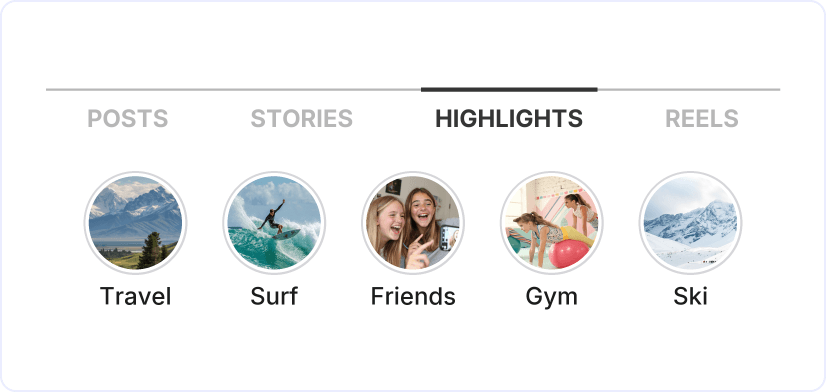
Once you press "View", you see a row of round covers, each with the title the owner gave it, just as they sit under the bio in the app. Stories from the last day have their own tab, "Stories", right beside "Highlights".
 3
33. Tap a cover to open it
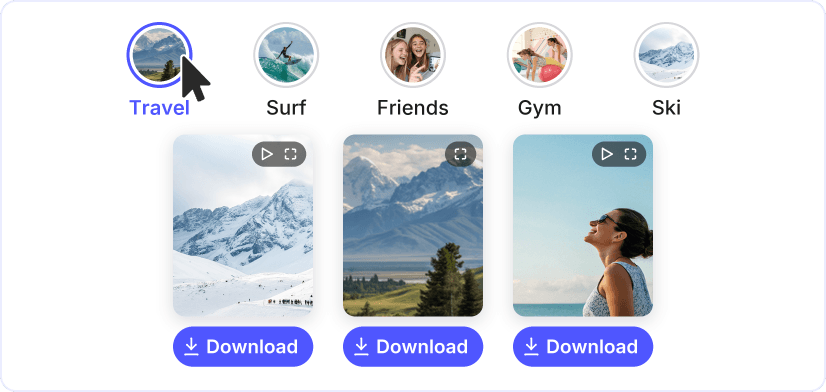
The stories inside that highlight load below the covers, each with a "Download" button that saves it as a photo or a video. If you pasted a highlight's link, its stories appear right away, with no cover to pick and nothing else to open.

Every highlight, covers and all
Covers and titles appear just as the owner set them on the public profile, so you can tell the menu from the reviews at a glance. No account is needed for the Instagram highlights viewer: there is no name for the owner to see, and you stay anonymous.
Instagram highlight download, one story at a time
Stories in a highlight save separately, each as a plain photo or video file that opens on any phone or computer. Paste a highlight link and the whole highlight loads in one go, so even a set of 50 stories is quick to browse.
Fresh stories and more

Instagram Story Viewer

Instagram Story Downloader
Instagram Profile Viewer

Instagram Photo Downloader

Instagram Reels Downloader

VOB to MP4

WAV to MP4