Instagram Reels Downloader
Keep a reel to rewatch offline, send it to a friend in another messenger or save a workout for later. The HD MP4 is ready in seconds.
By using our service you accept our Terms of Service and Privacy Policy.
How to download Instagram reels
An Instagram reels download starts with one copied link
 1
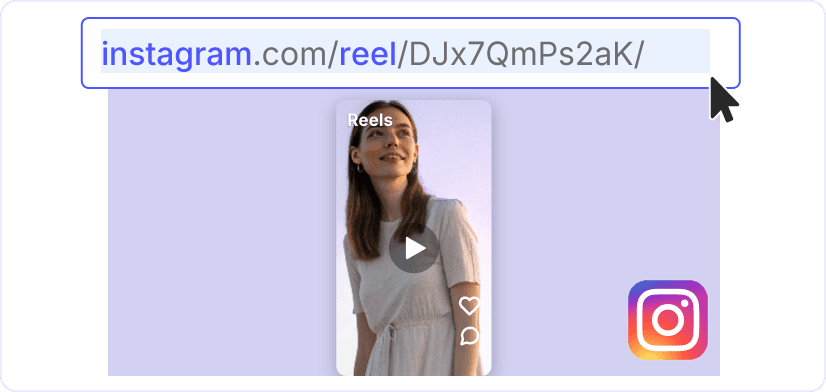
11. Share, then copy the link
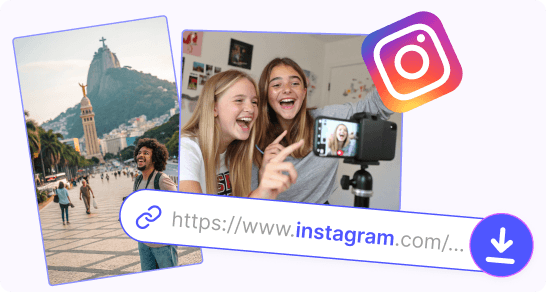
On the reel, tap "Share" (the paper plane icon) and choose "Copy link". On a computer, copy the address from the browser bar. To browse all of a creator's reels instead, just note their username.
 2
22. Paste the reel link
After you press "Download", the reel appears with its cover and caption. A username works too: the profile opens on the "Reels" tab with the videos the creator has posted, so you can pick the ones you want.
 3
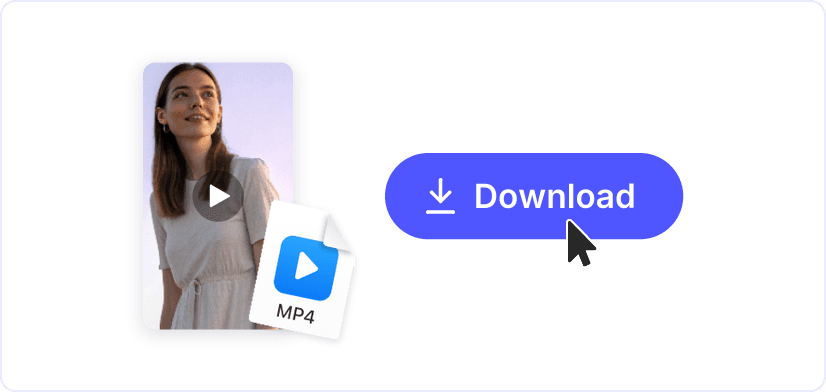
33. Download the MP4
Press "Download" once more to save the reel. It is an ordinary video file on a phone, a tablet or a laptop, so it plays in the gallery, in any messenger and in video editors, even offline on a flight or in the subway.
HD reels, sound intact
Every reel saves as an MP4 in the quality the creator uploaded, up to 1080p and higher, and the audio track stays in. Your free Instagram reels download is as sharp as the original, with the music and voiceover included.
A creator's reels in one tab
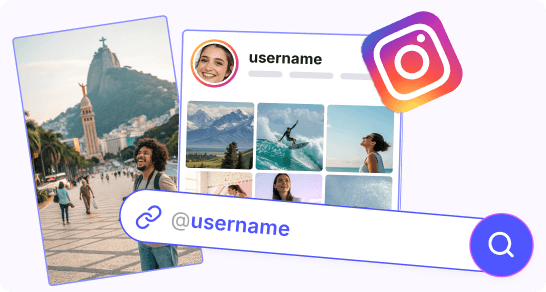
Type a username and the creator's videos appear on the "Reels" tab of the Instagram reels downloader. Pick the ones you want and save them online, without an app on your phone. Photos have their own tool, "Instagram Photo Downloader".
Next steps for your reel
Trim Video

Crop Video

Video Resizer
Instagram Downloader
Instagram Profile Viewer
MOV to MP4
MP3 to MP4