Instagram Story Downloader
Save a story before it vanishes: a recipe, a promo code, a friend's clip or your own story you forgot to keep. One link or one username is enough.
By using our service you accept our Terms of Service and Privacy Policy.
How to download an Instagram story
Before the story expires
 1
11. Open the story and copy its link
In Instagram, tap "⋯" or "Share" on the story and choose "Copy link". Some authors turn that option off. If so, type the account's username instead: you will see every story it currently has.
 2
22. Load the story you copied
A pasted story link brings up that one story within seconds of pressing "Download". A username opens the profile on the "Stories" tab with everything posted in the last 24 hours. Highlights save the same way: open the "Highlights" tab, or use "Instagram Highlights Viewer".
 3
33. Keep the video or photo
Save it with the "Download" button under the story while you still can. You'll find the file in Downloads, or in the Files app on iPhone. It stays there long after the story is gone from Instagram.

Story saver by link or username
Paste a link to save exactly one story, or type a username to see every story the account has posted in the last day. Either way, there is no app to install: everything works online in your phone's browser, and your home screen stays as it is.
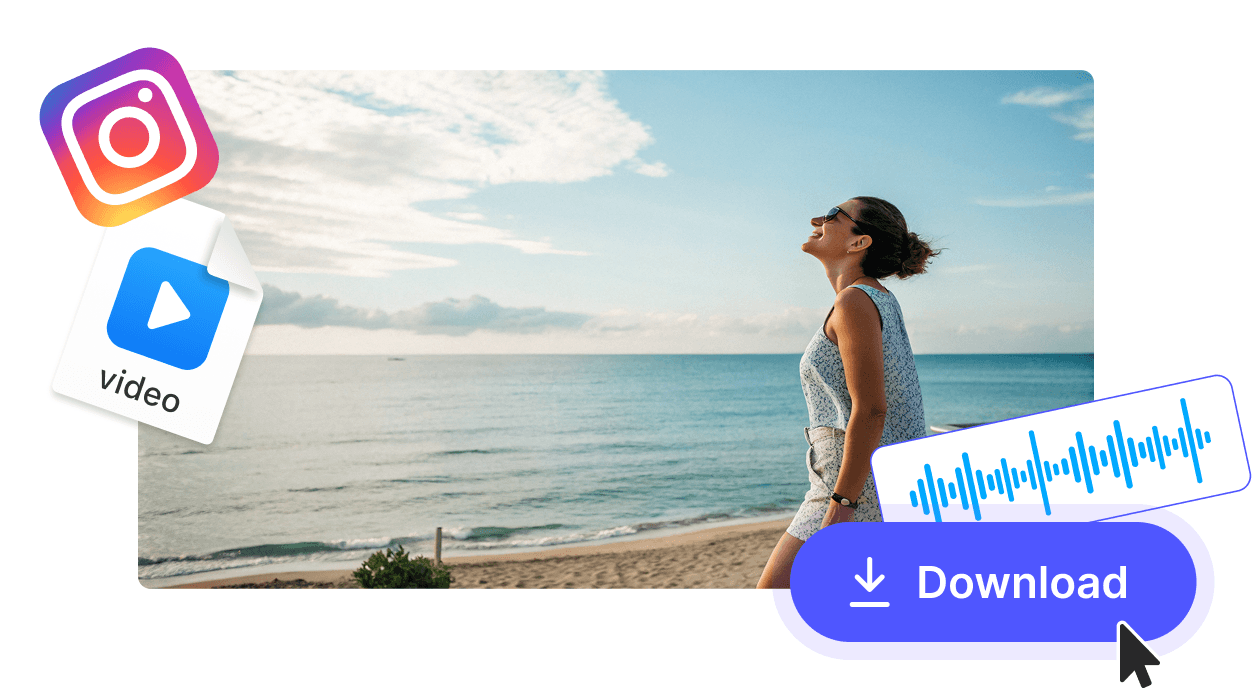
Video stays video, photo stays photo
A video story saves as an MP4 and a photo story as a JPG, just as Instagram shows them on a phone screen. Once an Instagram story download is on your phone or computer, it is ready to rewatch or send to a friend.
Polish the story you saved

Video Resizer

Trim Video

Instagram Story Viewer

Instagram Highlights Viewer

Instagram Reels Downloader

AVI to MP4

GIF to MP4