HEVC to MP4 Converter
Turn HEVC (H.265) video from an iPhone, drone or action camera into an H.264 MP4 that keeps the sound and plays on Windows, smart TVs and in any browser.
By using our service you accept our Terms of Service and Privacy Policy.
How to convert HEVC to MP4
Three steps from HEVC video to an H.264 MP4 that plays everywhere
 1
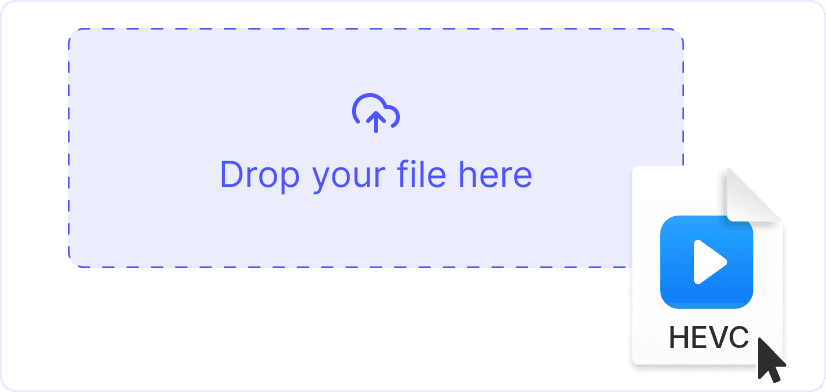
1. Upload the HEVC file
Drag the video onto the page or click “Upload a file”. The converter accepts HEVC video in .mov, .mp4 and .mkv files as well as raw .hevc and .h265 streams. Each file can be up to 1 GB.
 2
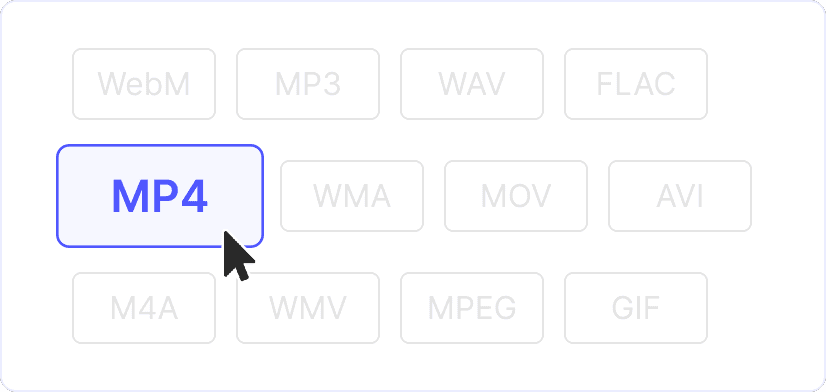
2. Keep MP4 as the output
MP4 is preset, and there is nothing else to configure. The HEVC video is decoded and encoded again as H.264 at the same resolution. The sound goes into the MP4 as AAC.
 3
3. Convert and download
Click “Convert”. A short 1080p phone clip is ready seconds after the upload. A long or 4K video takes longer because every frame is encoded again. The MP4 keeps the original file name.

HEVC from any camera, sound included
Upload a .mov from an iPhone, an .mp4 from a drone, action camera or dashcam, or an .mkv file. The MP4 keeps the resolution and the sound. A raw .hevc or .h265 stream gets what it was missing: a timeline, a duration and a thumbnail.
H.264 plays where HEVC does not
Windows usually needs a paid extension to play HEVC, and many older TVs, browsers and editors cannot decode it at all. H.264 is supported practically everywhere, so the converted MP4 opens without extra codecs.
Explore more free tools

AVI to MP4
WebM to MP4
MP3 to MP4

WAV to MP4

GIF to MP4

MP4 to FLV

MP4 to M4A