MOV to MP3 Converter
Convert .mov to MP3 and keep only the sound: a song from a concert clip, a talk filmed on an iPhone or the narration of a Mac screen recording.
By using our service you accept our Terms of Service and Privacy Policy.
How to convert MOV to MP3
From a QuickTime or iPhone clip to an MP3 in three steps
 1
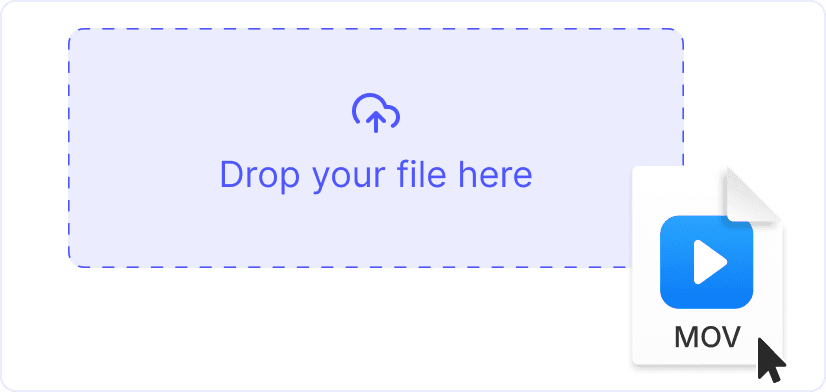
1. Select the MOV
Drag the .mov onto the page or click “Upload a file”. Clips straight from an iPhone, with names like IMG_0421.MOV, are accepted as they are. The limit is 1 GB per file.
 2
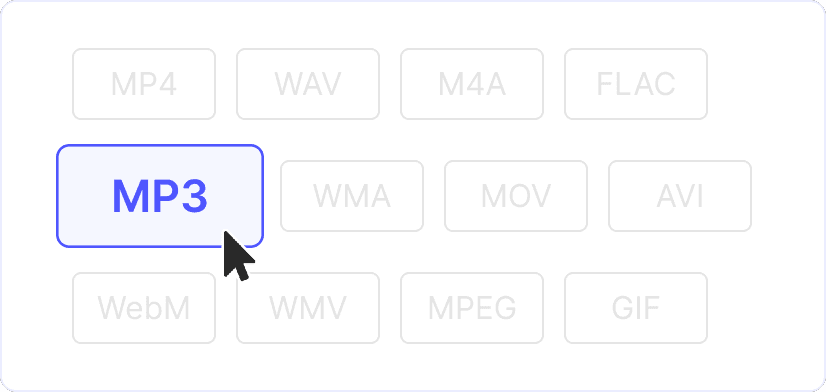
2. MP3 is the preset output
The picture is discarded and only the audio track is converted to MP3. It makes no difference whether the clip was filmed in HEVC or H.264.
 3
3. Get your MP3
Click “Convert” and download the MP3. It is ready a few seconds after the upload and keeps the clip's name, so IMG_0421.MOV becomes IMG_0421.mp3.
The sound of any iPhone clip
Concerts, lectures, video messages and family moments filmed on an iPhone are all MOV files. Converting keeps only what you want to hear, and the MP3 is ready for a playlist or a podcast edit.
A tiny file instead of a huge clip
A minute of 4K video from an iPhone can take up to several hundred megabytes. The same minute as MP3 is only a couple of megabytes, small enough to send in a message or an email.
Explore more free tools
MOV to MP4

MOV to GIF
MP4 to MP3
M4A to MP3
WAV to MP3

Reverse Video

Rotate Video