MOV to GIF Converter
Turn a .mov into an animated GIF that starts playing on its own in chats, emails and documents. Vertical iPhone clips stay vertical, and the GIF loops forever.
By using our service you accept our Terms of Service and Privacy Policy.
How to convert MOV to GIF
Three steps from a phone clip or screen recording to a shareable GIF
 1
1. Upload the MOV
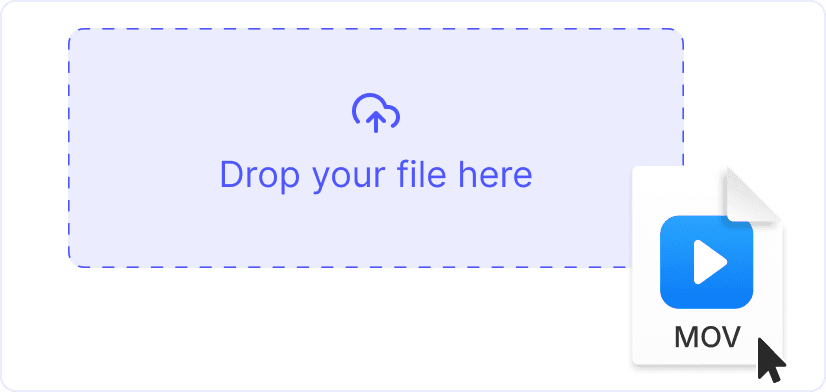
Click “Upload a file” and pick the .mov, or drop it straight onto the page. Phone clips and Mac screen captures both work, as long as the file is no larger than 1 GB.
 2
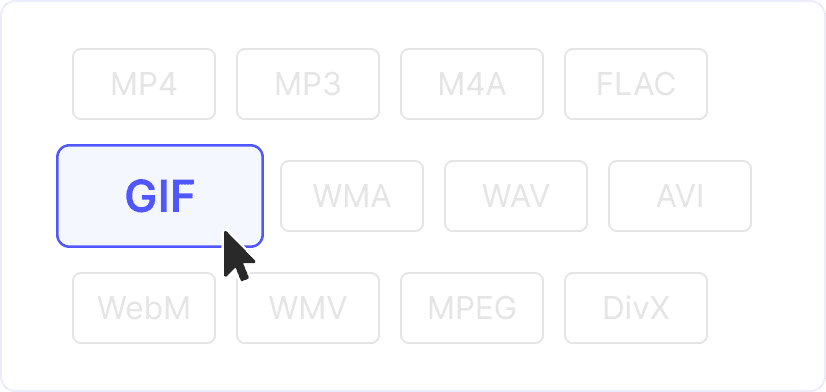
2. GIF is already selected
A short clip turns into a GIF from start to finish. For a longer video, the GIF is made from the first 30 seconds, so if the part you want comes later, trim the MOV before uploading.
 3
3. Convert and share
Click “Convert” and download the GIF. Post it in Slack or add it to a GitHub issue, and it plays without anyone pressing a button.

Screen recordings that explain themselves
Shift-Command-5 on a Mac saves screen recordings as MOV files. Converted to GIF, a recording plays inside a chat message or a bug report without a video player, so a quick how-to or a glitch is clear right away.
Sized for phones and chats
The GIF is 360 pixels wide, with the height set by the shape of the clip, and it repeats endlessly. A portrait iPhone video stays portrait, so a reaction or a clip of your pet fills a phone screen the way you filmed it.
Explore more free tools

MOV to MP4

MOV to MP3
MP4 to GIF
WebM to GIF
MP4 to MP3

YouTube Playlist Downloader

YouTube to MP3