M4A to WAV Converter
Turn an .m4a into an uncompressed WAV online, ready for editing, transcription or burning to CD. Apple Lossless files keep their CD-quality sound.
By using our service you accept our Terms of Service and Privacy Policy.
How to convert M4A to WAV
Get an editable WAV from a compressed M4A in three steps
 1
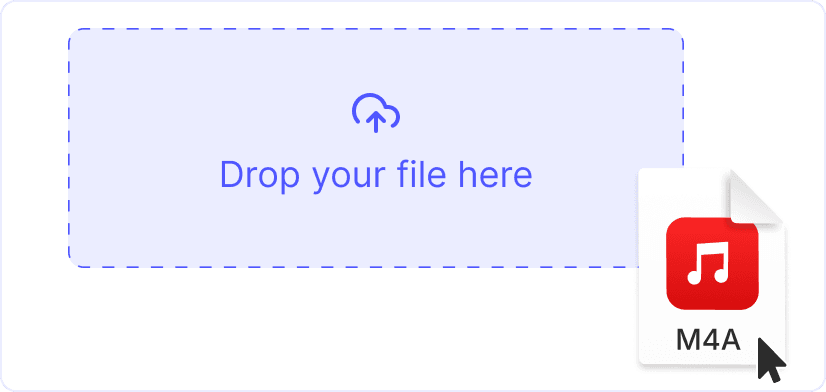
1. Upload the M4A
Click “Upload a file” or drag the .m4a onto the page. AAC and Apple Lossless recordings are both accepted, up to 1 GB per file.
 2
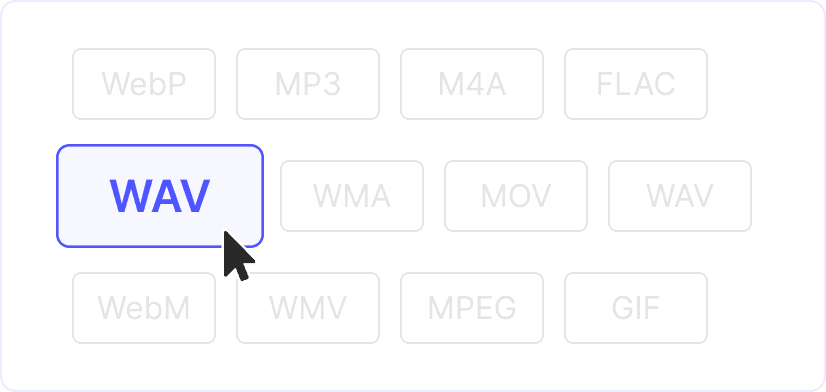
2. WAV is the output
You get a 16-bit PCM WAV with the sample rate and channels of the M4A. CD-burning software and samplers read this format without a plugin.
 3
3. Convert and download the WAV
Click “Convert”. Expect a much larger file than the M4A: a minute of stereo audio at 44.1 kHz takes about 10 MB as WAV.
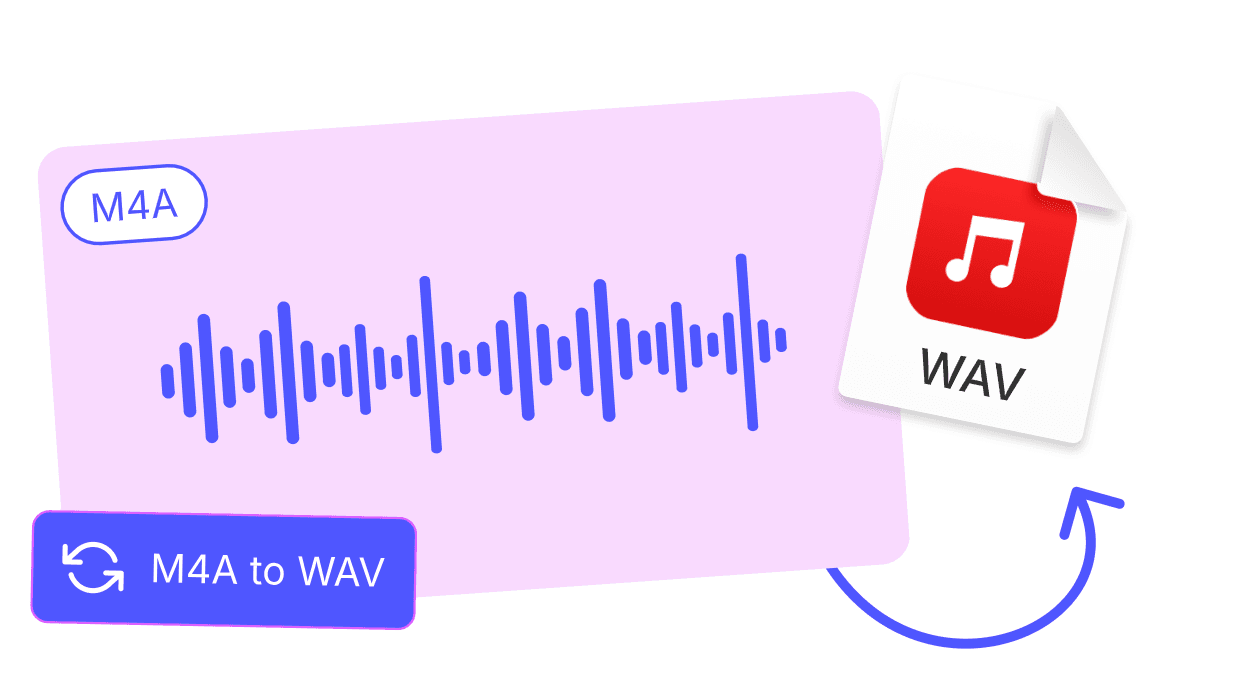
Opens in any audio editor
Voice Memos recordings, Zoom's audio-only file and GarageBand exports all come as M4A, which some editors and transcription tools can't import. WAV opens in all of them, so the recording goes straight into your project.
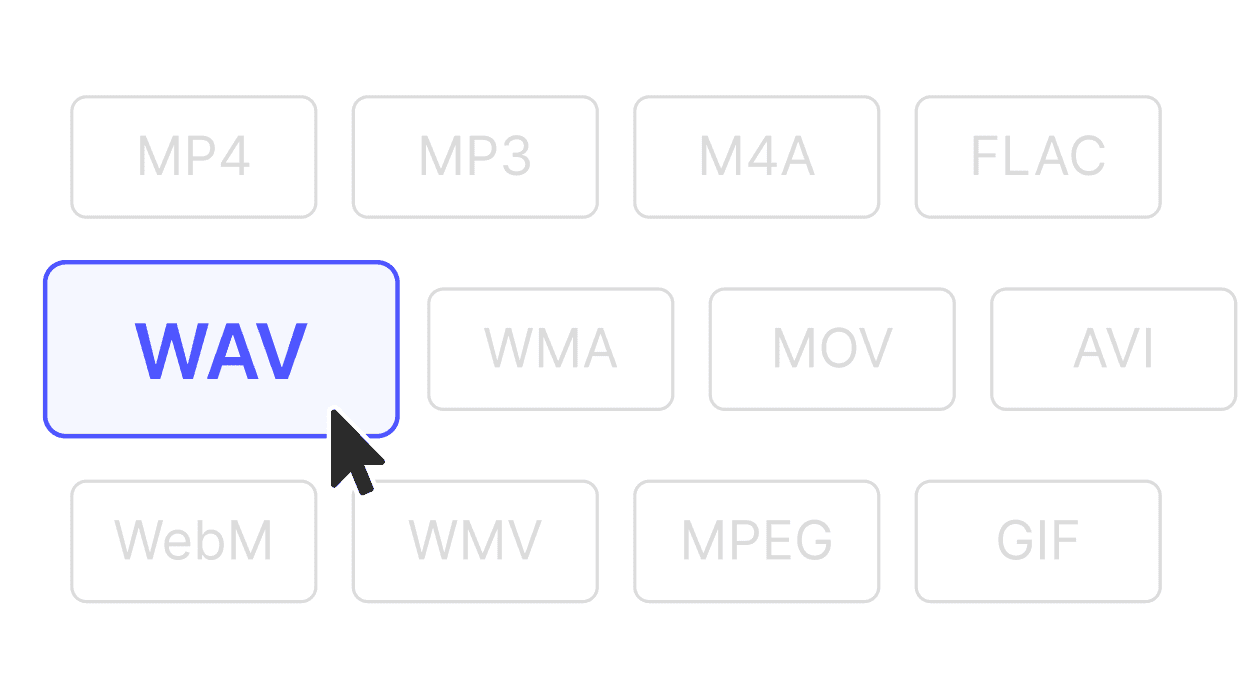
Lossless stays lossless
An M4A can hold Apple Lossless (ALAC) instead of AAC. Converted here, a 16-bit ALAC track becomes a WAV with exactly the same audio, so a ripped CD or a studio master keeps every detail it had.
Explore more free tools
M4A to MP3
M4A to MP4
MP4 to WAV
MP3 to WAV
OGG to WAV
MP4 to FLV
MP4 to GIF