OGG to WAV Converter
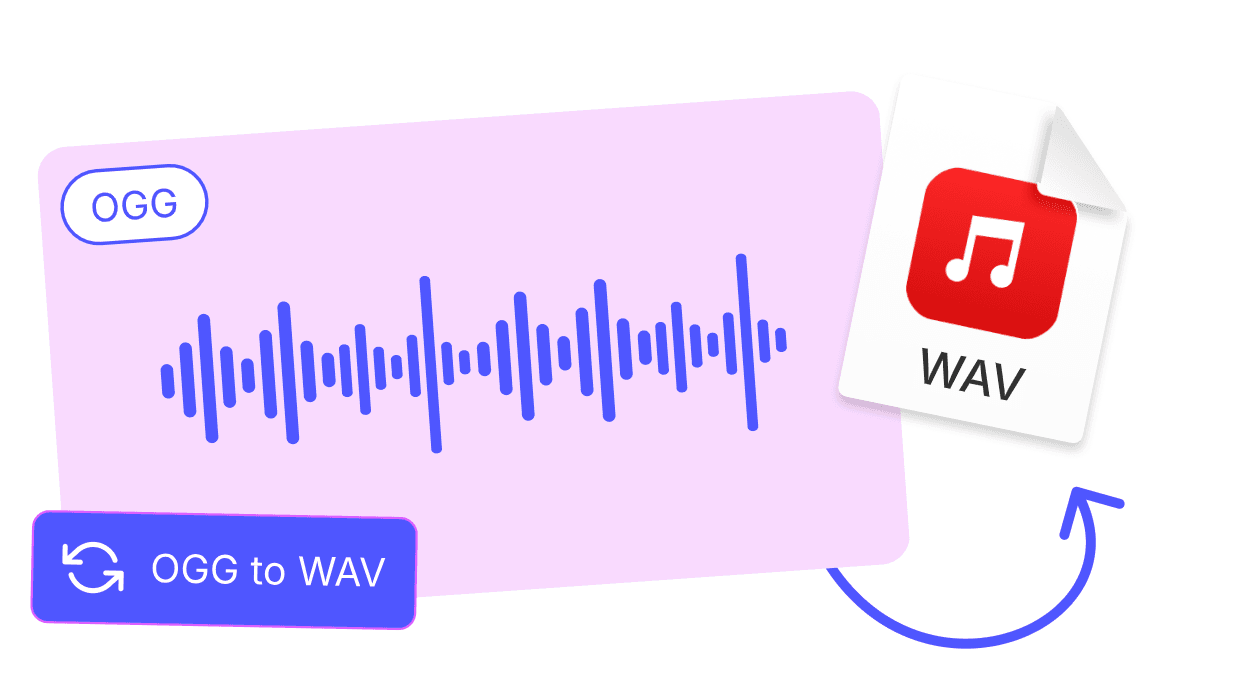
Decode an .ogg into an uncompressed WAV online, with nothing to install. Vorbis music and Opus voice messages both become plain PCM that editors read directly.
By using our service you accept our Terms of Service and Privacy Policy.
How to convert OGG to WAV
Three steps from a compressed OGG to an editable WAV
 1
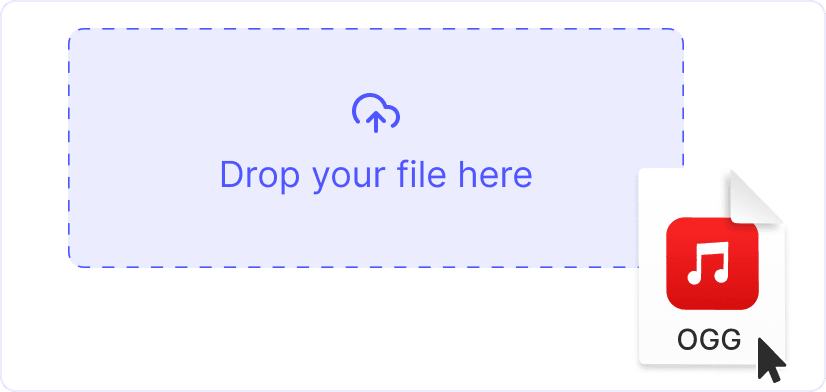
1. Upload the OGG
Choose the .ogg with “Upload a file” or drag it onto the page. Sound effects, music tracks and voice messages are all accepted, up to 1 GB per file.
 2
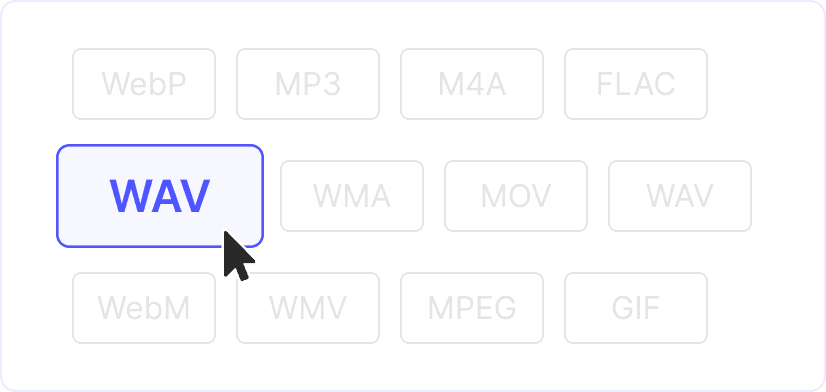
2. WAV is the target
The OGG is decoded to 16-bit PCM. Vorbis files keep their sample rate, Opus recordings come out at 48 kHz, and mono stays mono.
 3
3. Save the WAV
Click “Convert” and download the file. The WAV keeps the name of the OGG, so footstep-01.ogg becomes footstep-01.wav.
Game audio, ready to edit
Many games and mods store their music and sound effects as OGG. Converted to WAV, each file loads into editors, samplers and sound design tools that won't take OGG, so you can trim it or layer it with other sounds.
Voice messages for transcription
Speech-to-text services and audio processing scripts often expect WAV. Voice messages saved as .ogg from Telegram Desktop or WhatsApp Web convert as easily as music and become a mono WAV at 48 kHz.
Explore more free tools
OGG to MP3
MP4 to WAV
MP3 to WAV
M4A to WAV
MP4 to MP3
TikTok to MP3

Twitter Downloader