OGG to MP3 Converter
Convert .ogg to MP3 without installing anything, whether the file holds Vorbis music or an Opus voice message. The MP3 plays in Apple Music, in car stereos and on any phone.
By using our service you accept our Terms of Service and Privacy Policy.
How to convert OGG to MP3
Three steps for any .ogg, music or voice
 1
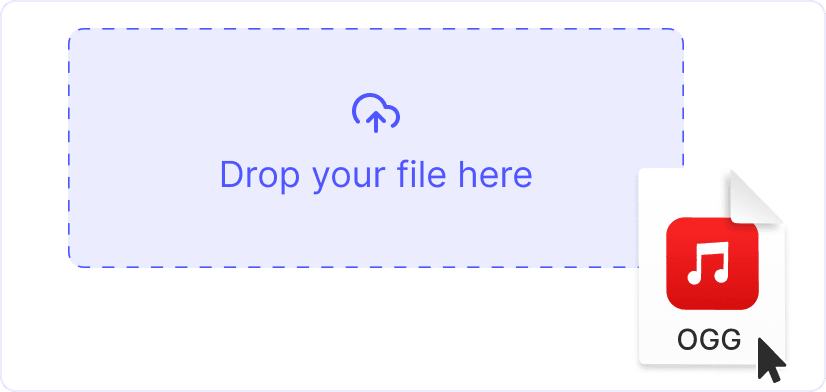
1. Upload the OGG file
Click “Upload a file” and select the .ogg, or drag it in from a game folder, your downloads or a chat export. One file can be as large as 1 GB.
 2
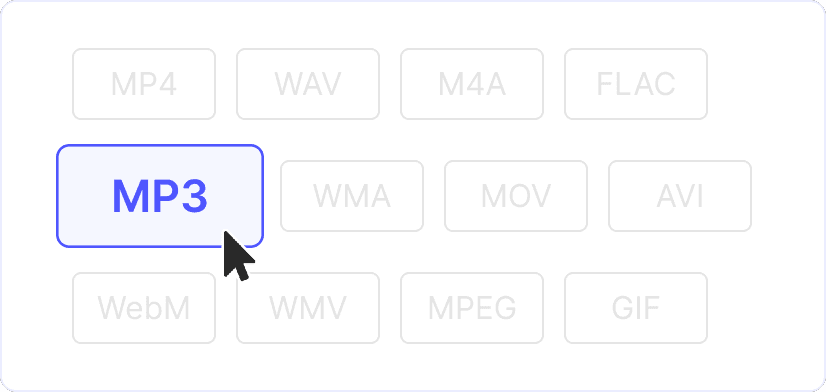
2. Leave MP3 as the format
The page is already set to MP3. The Vorbis or Opus audio inside the OGG is decoded and saved as MP3 with the same number of channels.
 3
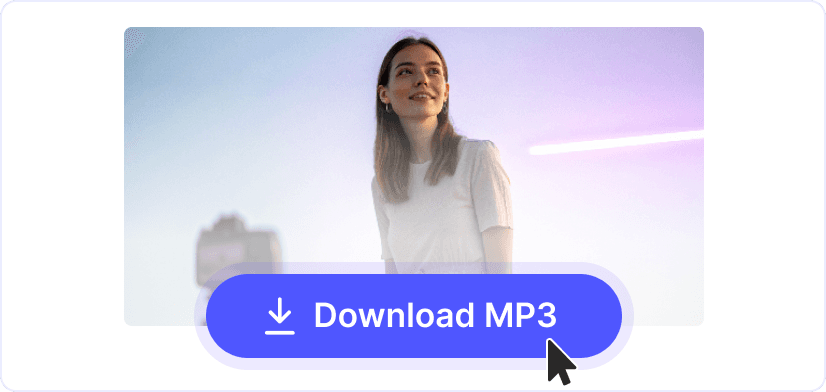
3. Download the MP3
Click “Convert” and save the result when the download button appears. The MP3 keeps the name of the OGG file.
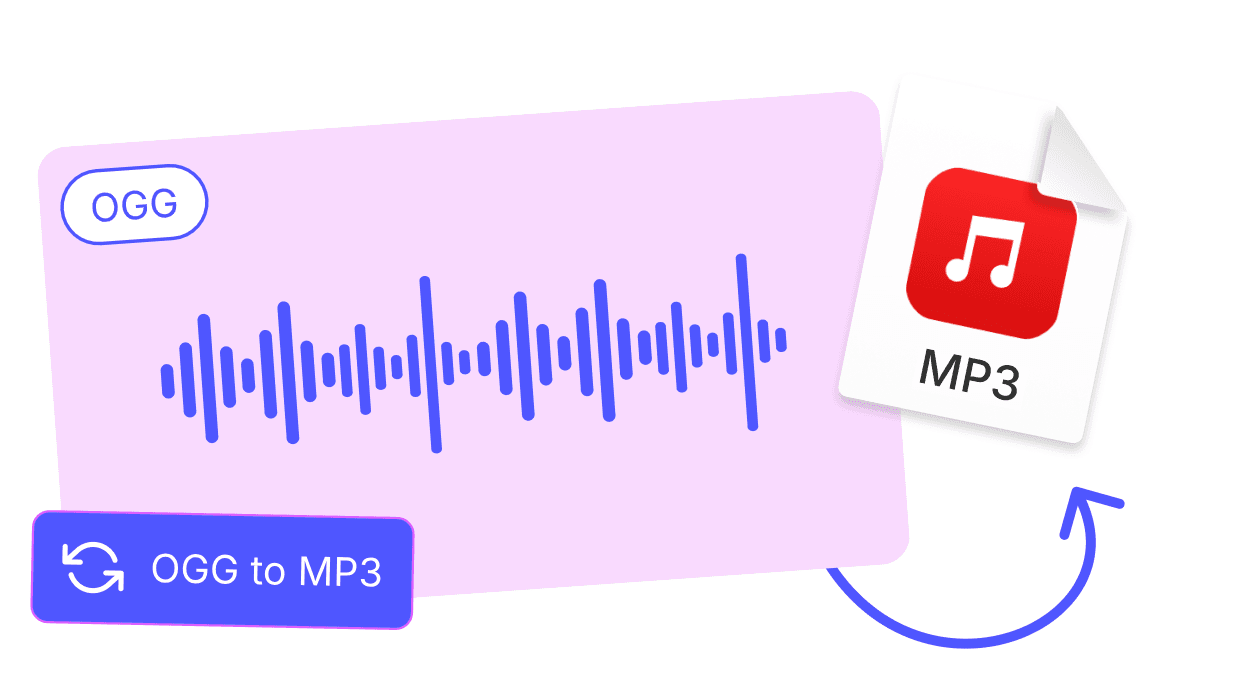
Vorbis and Opus alike
Many games and Linux programs keep music in Ogg Vorbis, while Telegram Desktop and WhatsApp Web save voice messages as Ogg Opus. Both end in .ogg, and this page converts either one to an ordinary MP3.
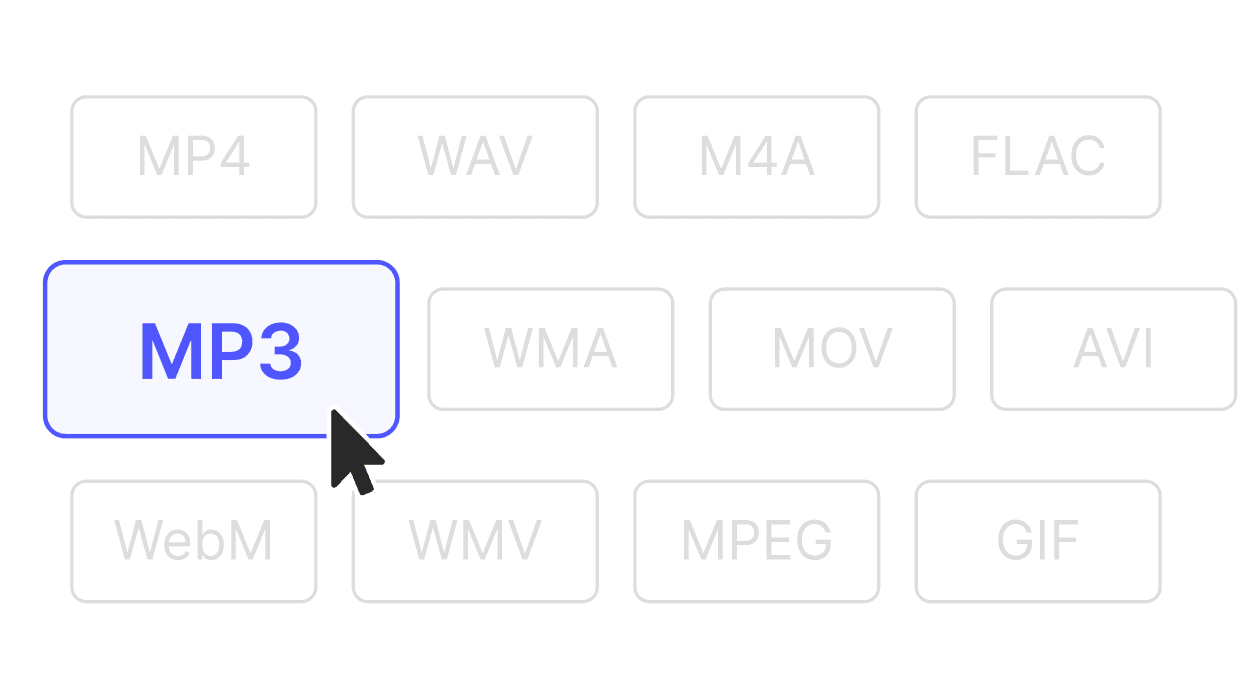
Opens where OGG does not
Apple Music and iTunes refuse OGG, and so do many car stereos, older MP3 players and video editors. Once converted, your audio works in all of them without a plugin or an extra codec.
Explore more free tools
MP3 to OGG
OPUS to MP3
OGG to WAV
MP4 to MP3
M4A to MP3
MKV to MP4
MOV to MP4