OPUS to MP3 Converter
Convert .opus to MP3 in your browser. Voice notes saved from WhatsApp, Telegram or Discord become ordinary MP3 files that any player opens.
By using our service you accept our Terms of Service and Privacy Policy.
How to convert OPUS to MP3
Three steps for a WhatsApp voice note or any other Opus recording
 1
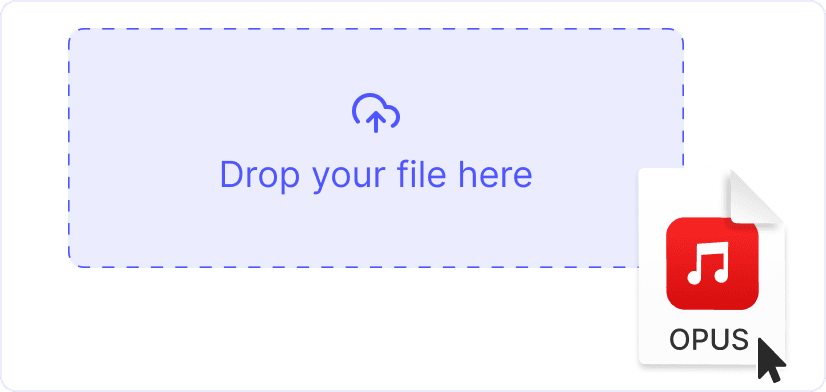
1. Add the .opus or .ogg file
Click “Upload a file” or drop the voice note onto the page. WhatsApp on Android saves voice notes as .opus, and WhatsApp Web downloads them as .ogg. Both extensions are accepted, up to 1 GB per file.
 2
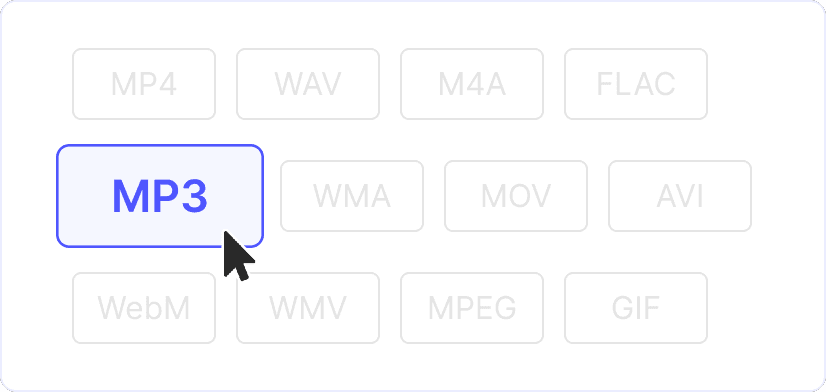
2. MP3 is set for you
There is nothing to choose: the Opus audio is decoded and written to an MP3. Speech recorded in mono stays mono in the MP3.
 3
3. Download the MP3
Click “Convert”. A voice note takes a second or two. The file keeps its name, so PTT-20261118-WA0001.opus downloads as PTT-20261118-WA0001.mp3.
Voice notes out of the chat
WhatsApp stores voice messages in Opus, which iTunes won't import and many car stereos can't play. As MP3s, the same recordings can be attached to an email or opened in a transcription tool, and you keep them when you change phones.
Any Opus file, not just WhatsApp
Telegram and Discord also save voice messages as Opus audio, usually with an .ogg extension. Whether your file ends in .opus or .ogg, this page turns it into a standard MP3.
Explore more free tools
MP4 to MP3
M4A to MP3
WAV to MP3
OGG to MP3
MPEG to MP3
WebM to MP3
WMA to MP3