WMA to MP3 Converter
Change .wma to MP3 in your browser, with no player or codec pack to install. Song titles and artist names carry over, so old Windows music fits into any library.
By using our service you accept our Terms of Service and Privacy Policy.
How to convert WMA to MP3
Three steps from a Windows Media Audio file to an MP3
 1
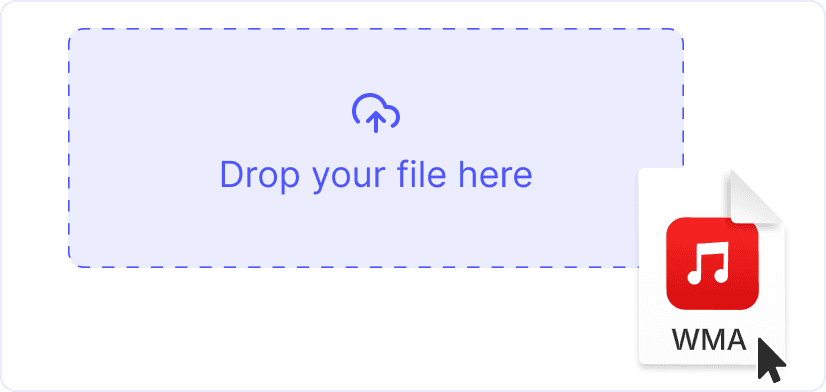
1. Upload the WMA
Drag a .wma from File Explorer onto the page or click “Upload a file”. A ripped album track and a long dictation both fit, since each file can be up to 1 GB.
 2
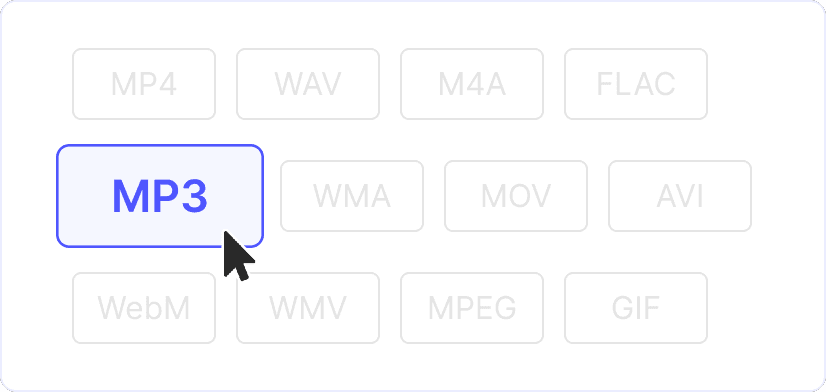
2. Nothing to set up
MP3 is the preset output. The WMA is decoded and saved as MP3, keeping its channels (stereo or mono) and its sample rate up to 48 kHz.
 3
3. Convert and save the MP3
Click “Convert” and download the result a moment later. The file keeps its name, so track-07.wma becomes track-07.mp3.
Old Windows rips, playable again
For years, Windows Media Player saved ripped CDs as WMA by default, which is why so many music folders from the 2000s are full of WMA files. As MP3s, those albums play in Apple Music, on Android phones and in the car, with titles and artists intact.
Dictations and voice recordings
Older digital voice recorders and some dictation systems record in WMA, which transcription services and many phones can't open. Converted to MP3, an interview or a lecture uploads and plays wherever you need it.
Explore more free tools

MP4 to MP3
M4A to MP3
WAV to MP3

OGG to MP3

MPEG to MP3

MP4 to AVI

MP4 to FLV