WAV to MP3 Converter
Convert .wav to MP3 in your browser. A long recording or a mix from your DAW becomes small enough to email, upload or keep on your phone.
By using our service you accept our Terms of Service and Privacy Policy.
How to convert WAV to MP3
Three steps from an uncompressed WAV to a compact MP3
 1
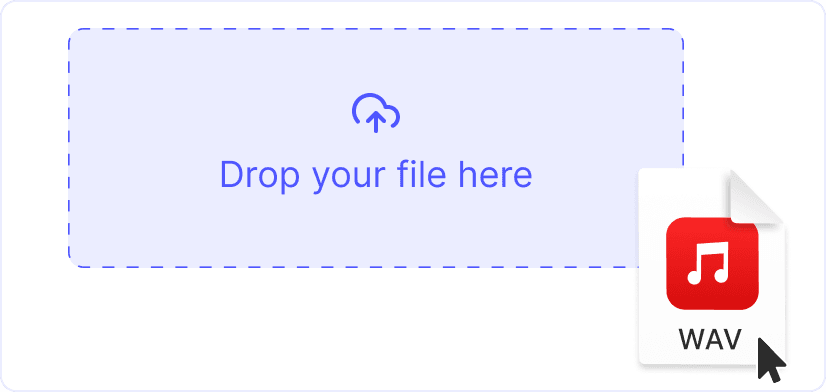
1. Choose the WAV
Drag a .wav from File Explorer or Finder onto the page, or click “Upload a file”. Both 16-bit and 24-bit files work, up to 1 GB each.
 2
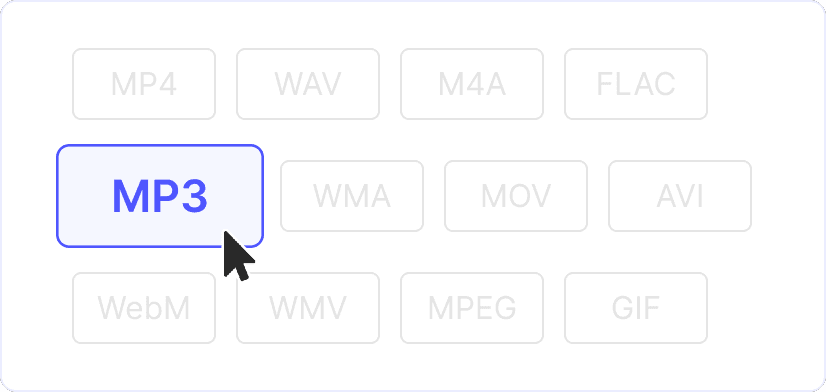
2. MP3 is set as the output
There is nothing else to choose. The MP3 keeps the channels and the sample rate of the WAV. Anything above 48 kHz, the highest rate MP3 supports, is reduced to 48 kHz.
 3
3. Convert and save
Click “Convert” and download the MP3 when it is ready. It keeps the name of the WAV, so final_mix.wav becomes final_mix.mp3.
A fraction of the file size
Ten minutes of CD-quality WAV takes about 100 MB. As an MP3, the same recording is several times smaller, so a song fits in an email and a whole folder of takes fits on your phone.
From the studio to every player
Field recorders and programs such as Audacity produce WAV by default, and DJ stores sell tracks in it. The MP3 plays on phones, in cars and on any website, so it is the version to share with your band or a client.
Explore more free tools
MP3 to WAV
FLAC to MP3
WAV to MP4
MP4 to MP3
M4A to MP3
Flip Video

HEVC to MP4