FLAC to MP3 Converter
Turn .flac files into MP3s that fit on a phone and play in Apple Music, a car or any app. Add a whole album at once. Track names and numbers are kept.
By using our service you accept our Terms of Service and Privacy Policy.
How to convert FLAC to MP3
Three steps from lossless FLAC to MP3, one track or a whole album
 1
1. Add your FLAC files
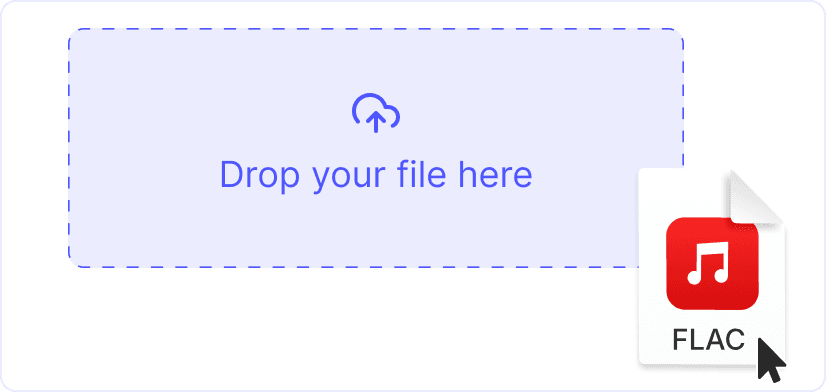
Drop one .flac or all the tracks of an album onto the page, or click “Upload a file” and select several tracks. Each file can be up to 1 GB.
 2
2. MP3 is ready to go
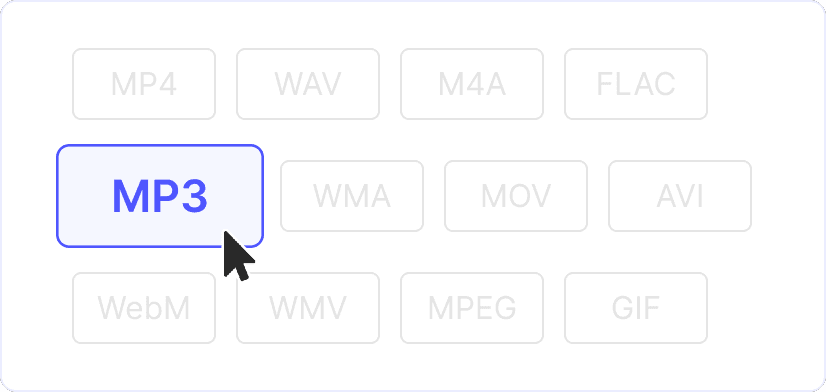
Nothing needs adjusting: MP3 is the preset. Hi-res tracks at 96 or 192 kHz are reduced to 48 kHz, which is as high as MP3 goes, and 24-bit sources need no special handling.
 3
3. Download the MP3s
Click “Convert”, then save each file or press “Download all”. Every MP3 keeps the name of its FLAC, so 01-overture.flac becomes 01-overture.mp3.
Your albums, phone-sized
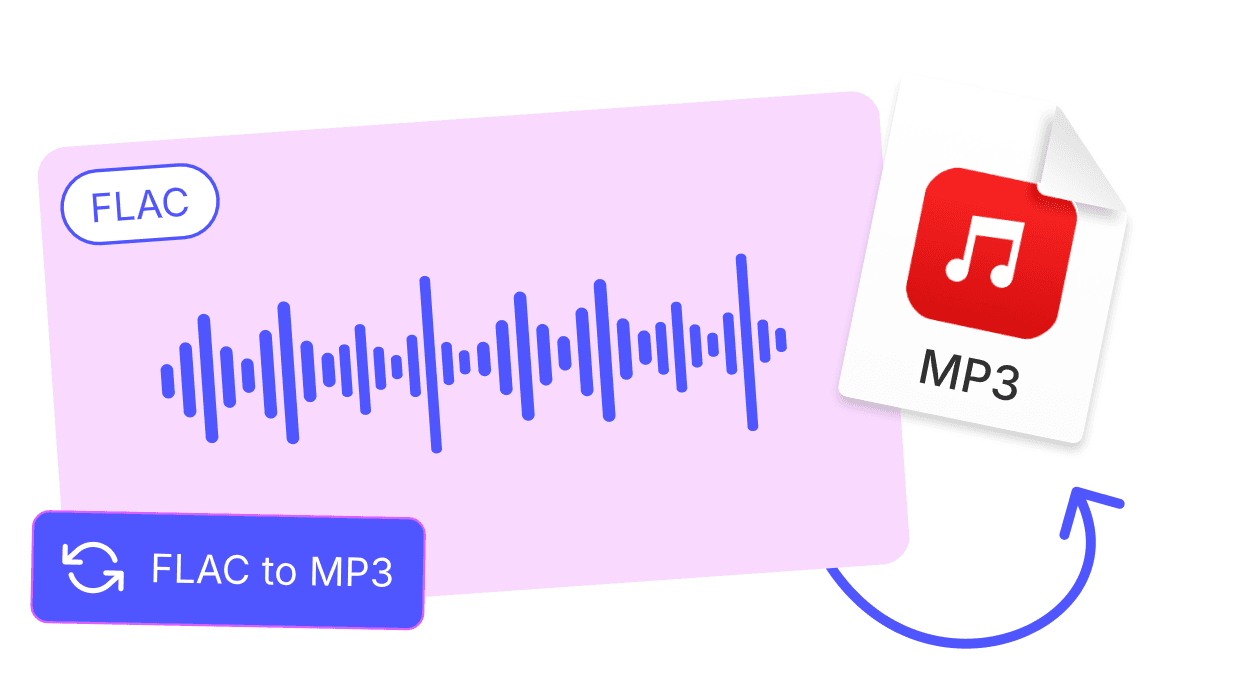
An hour of CD-quality FLAC usually takes 300 to 400 MB, and hi-res albums take far more. As MP3s, the same albums are several times smaller, so a whole collection fits on a phone or a USB stick for the car.
Track details included
Title, artist, album, track number, year and genre are copied into each MP3. Apple Music, Android players and car stereos show the right names, and albums stay in track order.
Explore more free tools
MP4 to MP3
M4A to MP3
WAV to MP3
OGG to MP3
MPEG to MP3
WMA to MP3
WMV to MP4