M4A to MP3 Converter
Change .m4a to MP3 right in the browser. Voice memos, iTunes purchases and anything your Mac lists as Apple MPEG-4 audio become MP3s that every device can play.
By using our service you accept our Terms of Service and Privacy Policy.
How to convert M4A to MP3
Three steps, the same on an iPhone, a Mac or a Windows PC
 1
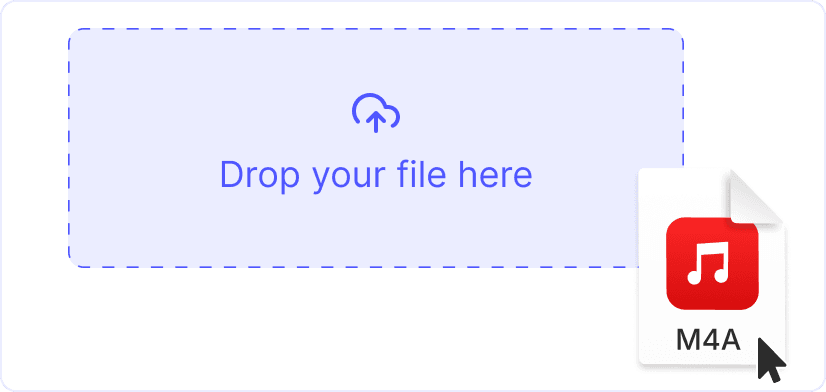
1. Add your M4A file
Drop the .m4a onto the page or click “Upload a file”. On an iPhone, pick the recording from the Files app. Any file up to 1 GB is accepted.
 2
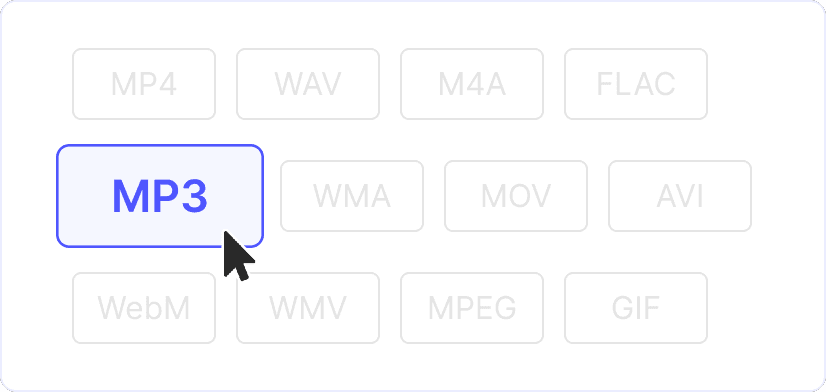
2. MP3 is already selected
MP3 is preset as the output, so there is nothing to set up. Mono voice memos stay mono, and stereo music stays stereo.
 3
3. Convert and download the MP3
Click “Convert”. A song or a short memo is usually ready within seconds of the upload. The MP3 keeps the file name, so Interview.m4a downloads as Interview.mp3.
Voice memos you can send anywhere
The iPhone Voice Memos app saves every recording as an M4A. Converted to MP3, the same memo plays on Android phones and in Windows apps. Upload forms that reject M4A accept it too. Send a lecture or an interview to anyone, and they can play it.
Plays in cars and older players
Plenty of car stereos and portable players made before the iPhone read MP3 but not M4A. Convert your iTunes songs once and they play there too, as well as on every phone and in every browser.
Explore more free tools
MP3 to M4A
AAC to MP3
M4A to WAV
M4A to MP4
MP4 to MP3

YouTube to MP4

Add GIF