AAC to MP3 Converter
Turn a raw .aac file into an MP3 in your browser. AAC sounds great, but outside an M4A or MP4 container, plenty of players and car stereos won't open it.
By using our service you accept our Terms of Service and Privacy Policy.
How to convert AAC to MP3
Three steps from a bare AAC stream to an MP3 that plays anywhere
 1
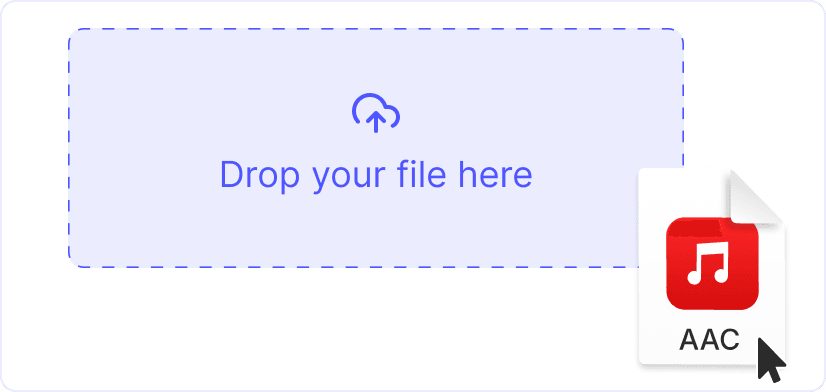
1. Upload the .aac file
Drop the file onto the page or click “Upload a file”. Any .aac up to 1 GB is accepted. For .m4a files, use our M4A to MP3 converter instead.
 2
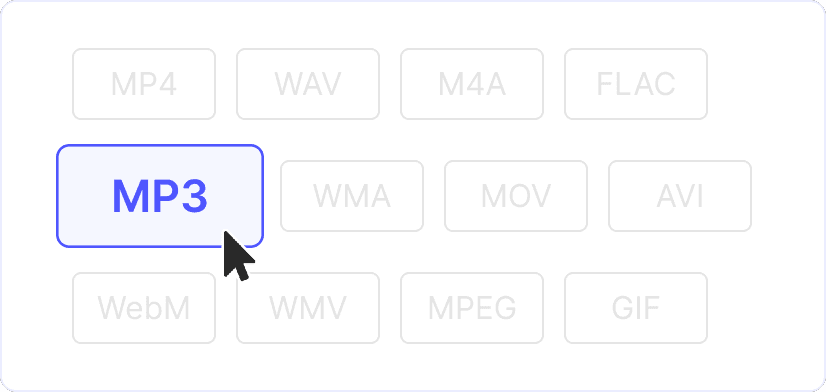
2. MP3 is preset
The AAC audio is decoded and saved as MP3. Stereo stays stereo, and the original sample rate is kept, up to 48 kHz.
 3
3. Convert and download
Click “Convert” and save the MP3 a moment later. The file keeps its name: radio-show.aac downloads as radio-show.mp3.
Plays where AAC doesn't
Older car stereos, portable players and some DJ software read MP3 but not a bare .aac stream. Convert once and the same audio plays on all of them.
Room for title and artist
A raw .aac file has no proper place for a song title, an artist or cover art, so music apps often list it as unknown. MP3 supports ID3 tags: after converting, you can label the track in any tag editor.
Explore more free tools
MP4 to MP3
M4A to MP3
WAV to MP3
OGG to MP3
MPEG to MP3

Instagram Photo Downloader

Instagram Profile Viewer