MKV to MP3 Converter
Get the audio from an .mkv file as an MP3 without opening VLC or an editor. The picture is dropped, and the soundtrack is saved as a file any phone can play.
By using our service you accept our Terms of Service and Privacy Policy.
How to convert MKV to MP3
Three steps to the soundtrack of a Matroska video
 1
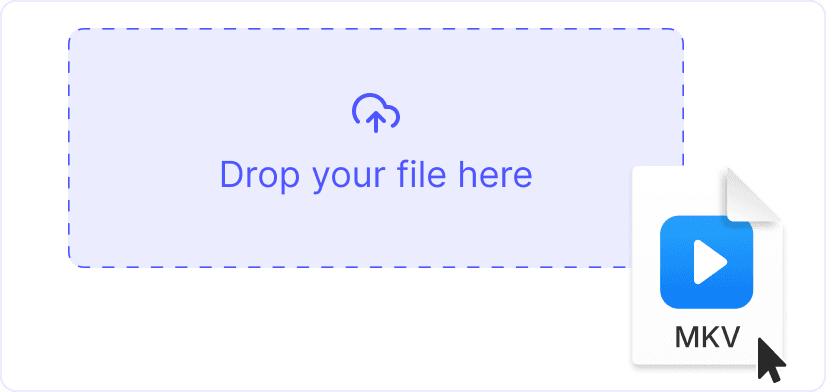
1. Choose the MKV
Drag the .mkv onto the page or click “Upload a file”. OBS recordings, saved lectures and concert videos are all accepted, up to 1 GB per file.
 2
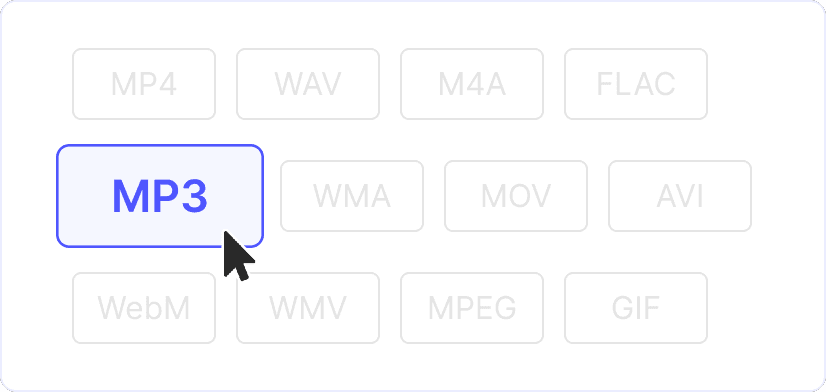
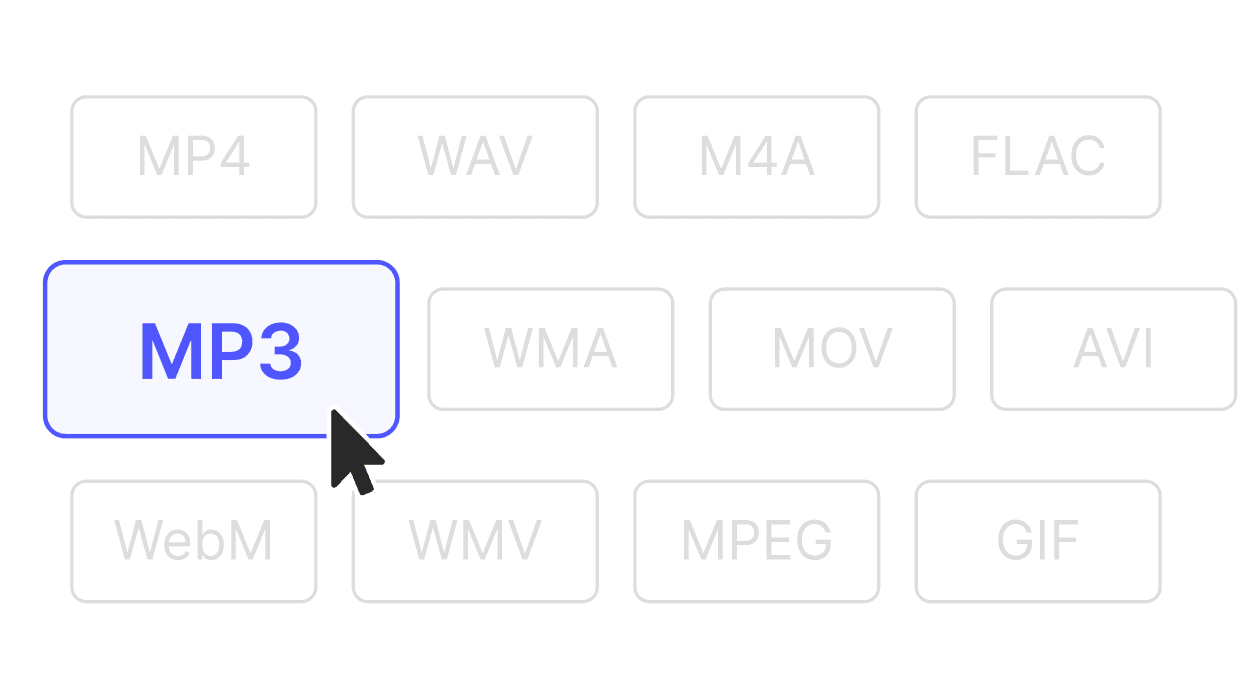
2. Leave MP3 selected
The video is skipped, and the main audio track of the file is converted to MP3. Subtitles, chapters and extra language tracks are not included.
 3
3. Save the MP3
Click “Convert” and download the result. The MP3 keeps the name of the original file, so lecture-05.mkv becomes lecture-05.mp3.
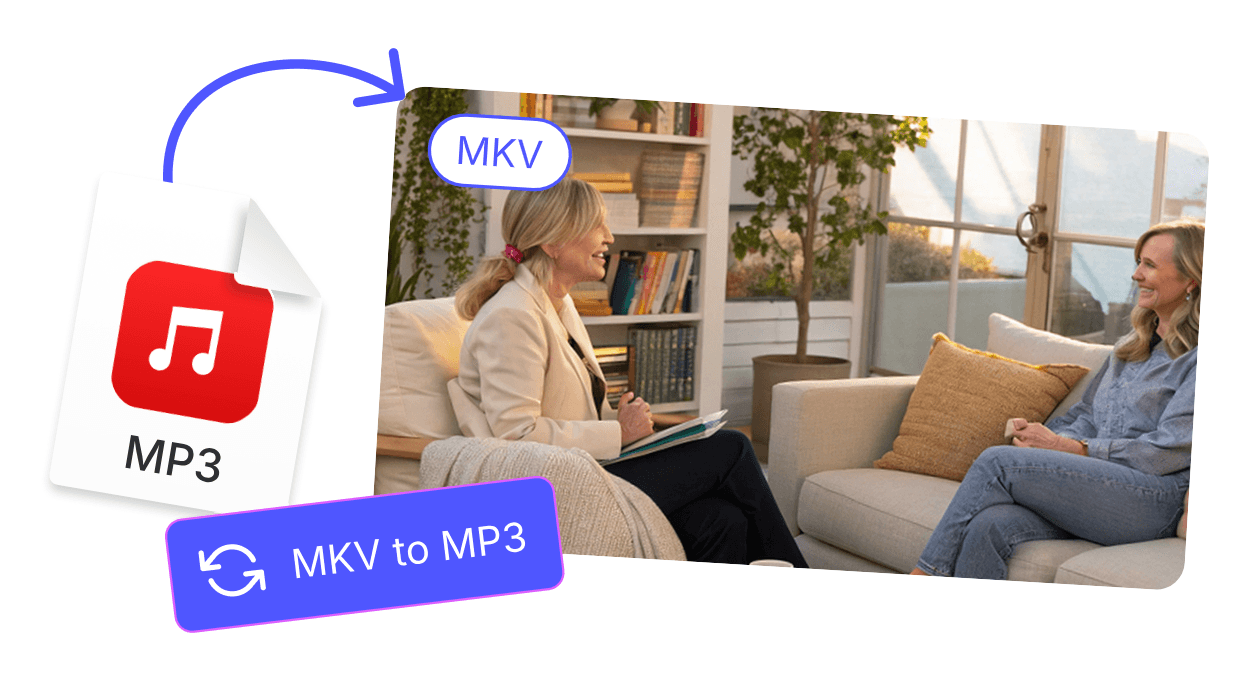
Streams and talks to listen to
Many streamers and podcasters record to MKV in OBS Studio, because an interrupted MKV recording stays playable. Converted to MP3, the session is ready for your commute or for editing into a podcast episode.
The sound without the gigabytes
Video uses nearly all the space in an MKV. Without it, a two-hour concert film becomes a single MP3 small enough to keep on your phone for offline listening.
Explore more free tools
MKV to MP4
MP4 to MP3
M4A to MP3
WAV to MP3
OGG to MP3
AAC to MP3
Add GIF