MP3 to OGG Converter
Convert .mp3 to .ogg right in the browser, with nothing to install. You get Ogg Vorbis, the format many game engines and open-source apps ask for.
By using our service you accept our Terms of Service and Privacy Policy.
How to convert MP3 to OGG
From an MP3 track to an Ogg Vorbis file in three steps
 1
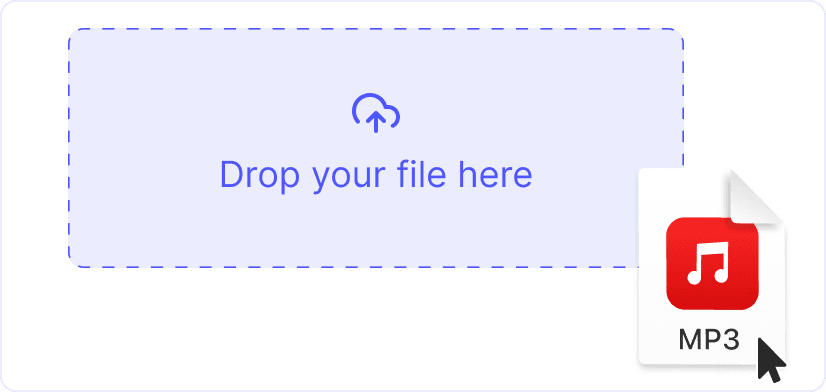
1. Upload the MP3
Drop the .mp3 onto the page or click “Upload a file”. Anything from a short sound effect to a full soundtrack works, since each file can be up to 1 GB.
 2
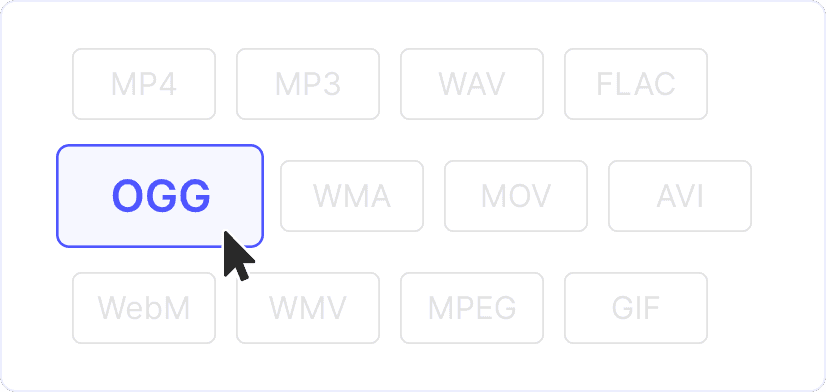
2. OGG is already selected
The audio is encoded as Ogg Vorbis at a nominal 128 kbps. The sample rate and the number of channels stay the same as in the MP3.
 3
3. Convert and download the OGG
Click “Convert” and save the file. It keeps the name of the MP3 with a lowercase .ogg extension. Any spaces become underscores, so the file is ready for a game's audio folder.
The format game engines expect
RPG Maker MV and MZ play background music and sound effects from OGG files, and Minecraft resource packs take custom sounds only as .ogg. Turn your MP3s into OGG here and they import cleanly.
Made for looping music
Vorbis stores the exact length of a track, so an engine can loop it without the tiny gap many MP3s leave at the start. Battle themes and ambient loops repeat smoothly, which is a common reason developers pick OGG.
Explore more free tools
OGG to MP3
MP3 to MP4
MP3 to WAV
MP3 to M4A
MP4 to MP3

Twitter Downloader
VOB to MP4