WebM to GIF Converter
Make an animated GIF from a .webm screen capture or web clip. It plays on its own, in a loop, wherever an image is allowed.
By using our service you accept our Terms of Service and Privacy Policy.
How to convert WebM to GIF
From a WebM recording to a looping GIF in three steps
 1
1. Add the WebM
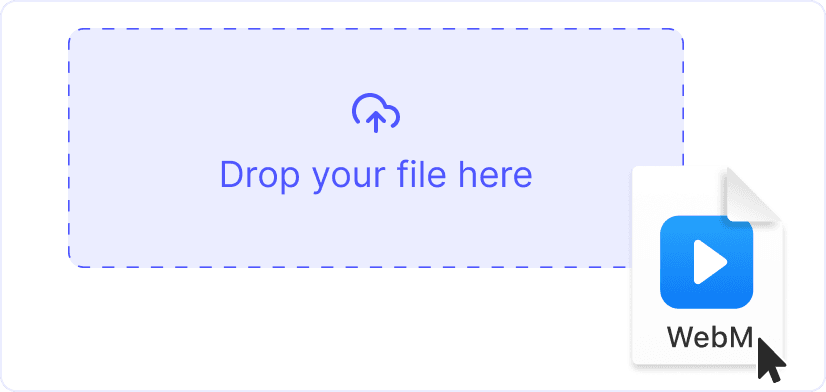
Drag the .webm onto this page from your Videos or Downloads folder, or use “Upload a file”. Linux screen captures, browser recordings and clips saved from websites all work, up to 1 GB each.
 2
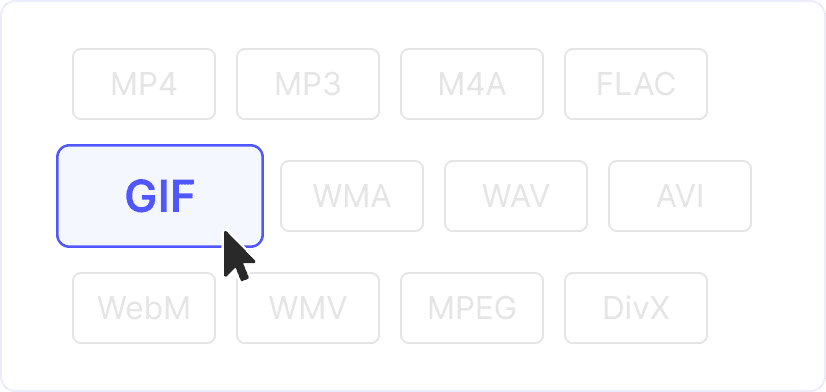
2. GIF is selected
A clip of up to 30 seconds becomes a GIF in full. A longer recording gives a GIF of its first 30 seconds, so cut the WebM first if the part you need starts later.
 3
3. Convert and post it
Click “Convert”, then save the GIF. Add it to a README, a forum reply or a newsletter, and it starts moving as soon as the page loads.
Animations where video isn't allowed
README files, wikis, forum posts and email newsletters accept images but rarely play video. A GIF made from your WebM shows the steps or the bug right there, with no player and nothing to click.
Light enough to post anywhere
Every GIF comes out 360 pixels across at 8 frames per second, keeps the proportions of your recording and loops forever. These fixed settings hold the file size down, so the GIF loads quickly in a chat, a document or an email.
Explore more free tools
WebM to MP4
WebM to MP3
MP4 to GIF

MOV to GIF
MP4 to MP3
MP4 to WebP
MP4 to WMV