WebM to MP3 Converter
Turn a .webm into an MP3 that plays in any music app or car. The converter handles both Opus and Vorbis audio, and there is no extension or program to install.
By using our service you accept our Terms of Service and Privacy Policy.
How to convert WebM to MP3
Three steps from a WebM file to a standard MP3
 1
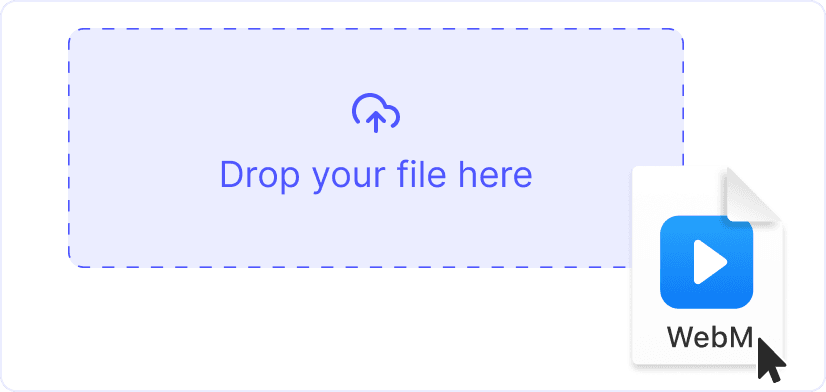
1. Upload the WebM
Drop the .webm onto the page or click “Upload a file”. Videos and audio-only downloads are both accepted, up to 1 GB per file.
 2
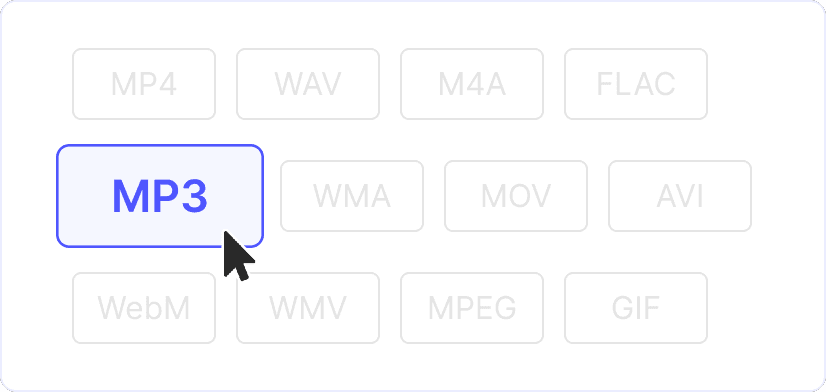
2. Keep MP3 as the format
There is nothing to configure. The Opus or Vorbis sound inside the WebM is decoded and saved as MP3, and any picture is dropped.
 3
3. Save your MP3
Click “Convert” and download the file. It keeps the name of the WebM, so podcast-ep41.webm becomes podcast-ep41.mp3.
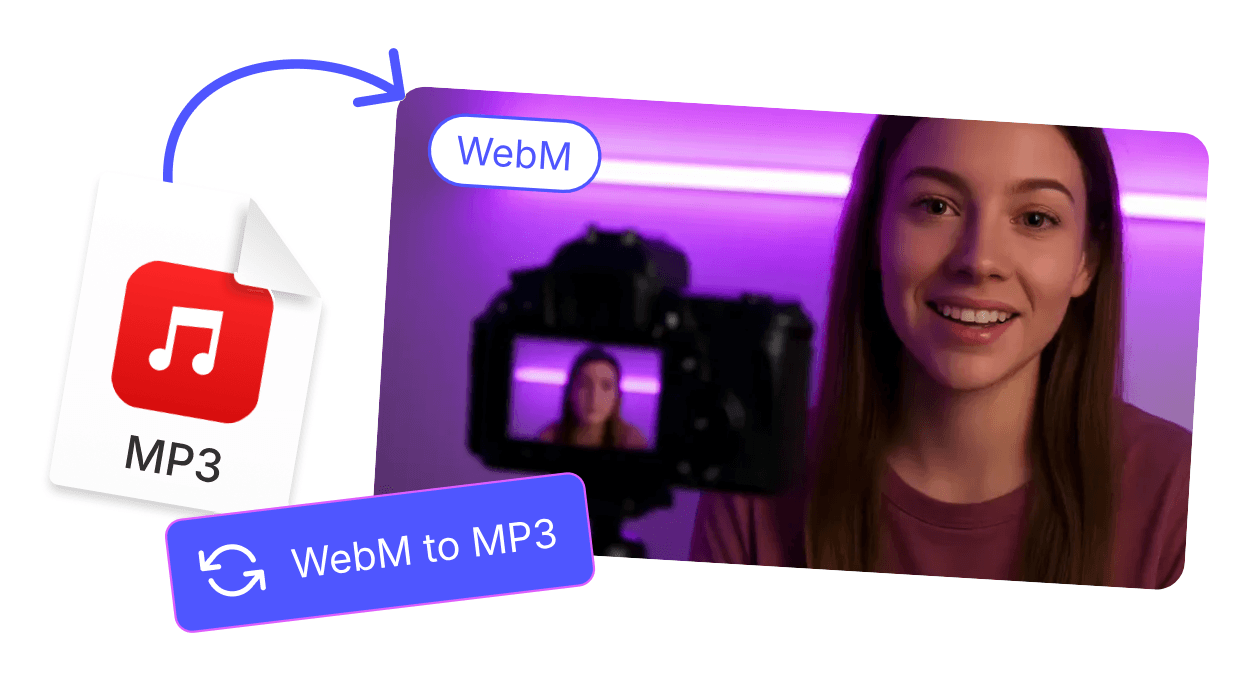
Downloads and browser recordings
Downloaders such as yt-dlp often save the best audio as a .webm file, and voice notes recorded in a browser are usually WebM too. As MP3s, they play in Apple Music, in podcast apps and on car stereos.
An MP3 every app accepts
Music players, video editors, podcast hosts and transcription services all take MP3, while plenty of them reject WebM. Once converted, the same recording uploads and plays without an import error.
Explore more free tools
WebM to MP4
WebM to GIF
MP4 to MP3
M4A to MP3
WAV to MP3

MP4 to MKV
MP4 to MPEG