MPEG to MP3 Converter
Extract the soundtrack from an MPEG-1 or MPEG-2 recording and save it as MP3. Both .mpeg and .mpg files are accepted, and there is nothing to install.
By using our service you accept our Terms of Service and Privacy Policy.
How to convert MPEG to MP3
Three steps to save the audio from an old MPEG recording
 1
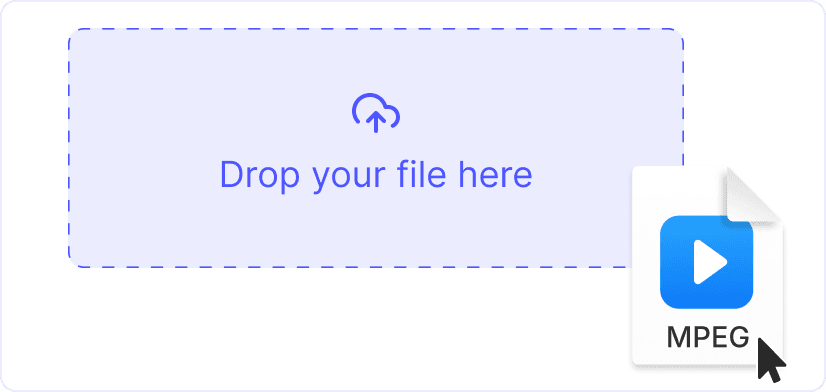
1. Pick the .mpeg or .mpg file
Click “Upload a file” or drag the recording onto the page. Files from camcorders and TV tuner cards work, up to 1 GB each.
 2
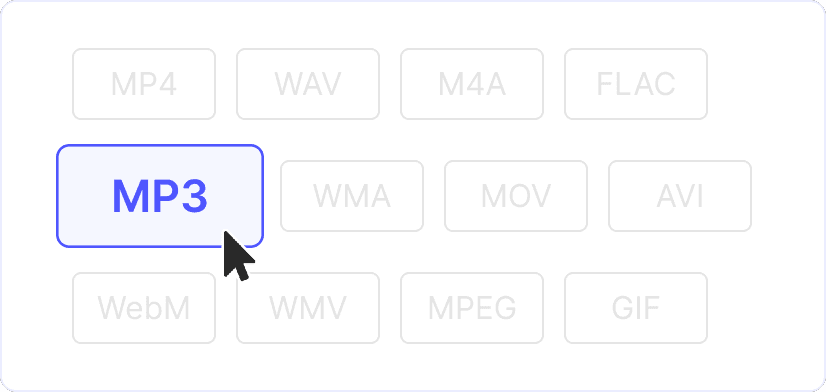
2. MP3 is chosen for you
Only the sound is kept: the MP2 or Dolby Digital track of the MPEG is decoded and saved as MP3.
 3
3. Save the MP3
Click “Convert”. Without the picture, the MP3 is a tiny fraction of the MPEG's size and plays on any phone.
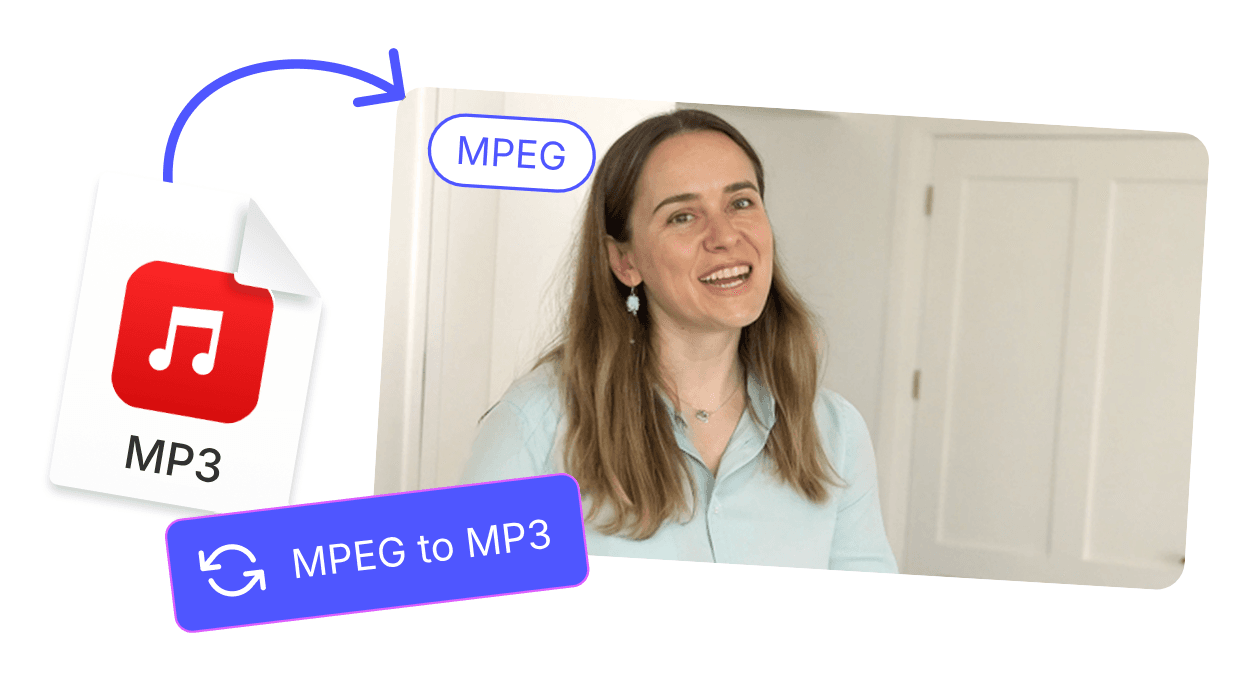
Sound from home movies and TV recordings
Camcorders, TV tuner cards and early digital cameras saved their recordings as MPEG-1 or MPEG-2. Turn one into an MP3 to keep what is worth hearing again, such as a wedding speech or a show recorded from TV.
Works for MPG files too
The .mpg and .mpeg extensions name the same format, and the converter takes either one, in upper or lower case. A file straight from a camera, such as CLIP0001.MPG, can be uploaded without renaming.
Explore more free tools
MPEG to MP4
MP4 to MP3
M4A to MP3
WAV to MP3
OGG to MP3
MP4 to MKV

MP4 to WebM