M4A to MP4 Converter
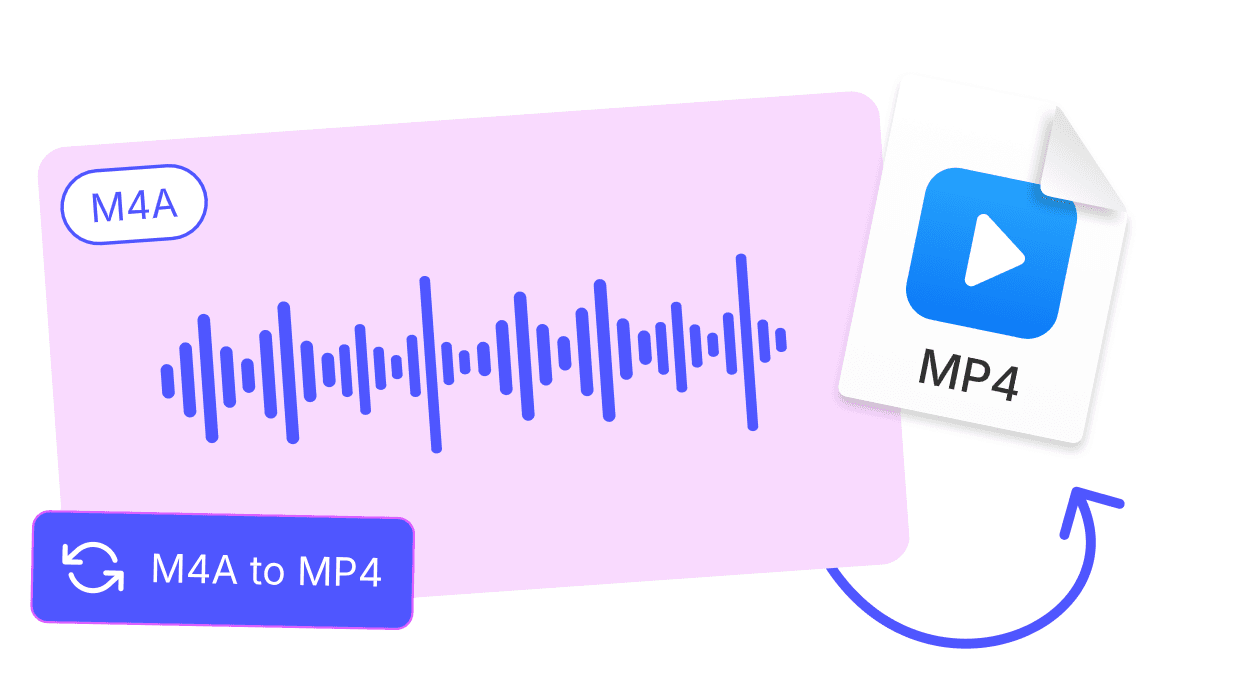
Give an .m4a a video track and get an MP4 that YouTube, Instagram and other video platforms accept. Your audio plays over a still square picture.
By using our service you accept our Terms of Service and Privacy Policy.
How to convert M4A to MP4
Three steps from an audio file to a video you can upload
 1
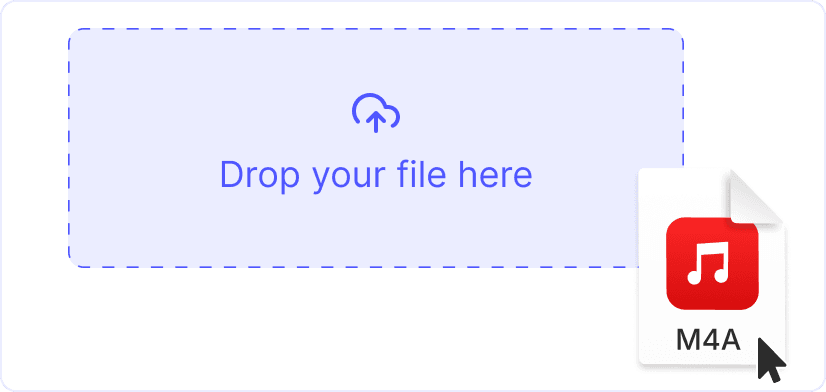
1. Select the M4A
Drop the .m4a here or use “Upload a file”. Recordings from Voice Memos, GarageBand exports and songs bought on iTunes are welcome, up to 1 GB each.
 2
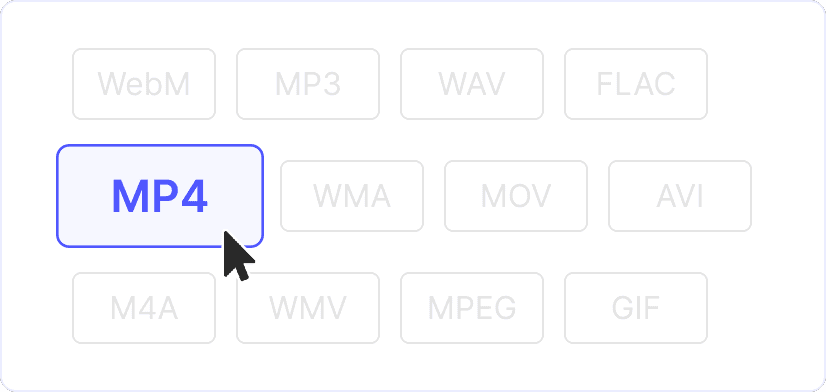
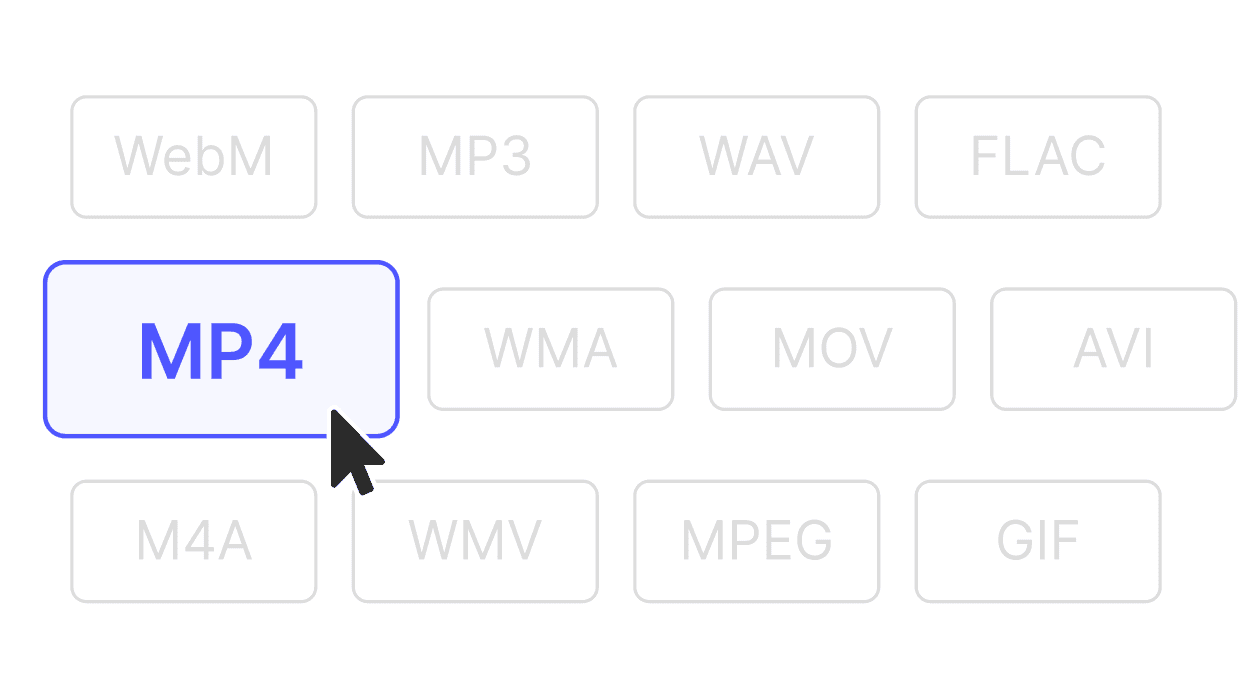
2. MP4 is already the target
The audio is encoded as AAC and paired with a still 1080 × 1080 picture, so the MP4 has the video track that upload forms check for. There is nothing to configure.
 3
3. Download and upload anywhere
Click “Convert”. A short recording is ready within seconds. The MP4 keeps the name of the M4A, so memo.m4a becomes memo.mp4.
Audio that video sites accept
YouTube, Instagram and many course platforms take video files only, so an M4A upload gets rejected. Converted here, the recording becomes an MP4 with a picture track, and the upload is accepted.
Straight from your iPhone or Mac
Voice Memos and GarageBand save audio as M4A on both iPhone and Mac. Upload the file from Files or Finder as it is. You don't need a video editor to put it on a timeline first.
Explore more free tools
MP4 to M4A
M4A to MP3
M4A to WAV
AVI to MP4
WebM to MP4
Flip Video
HEVC to MP4